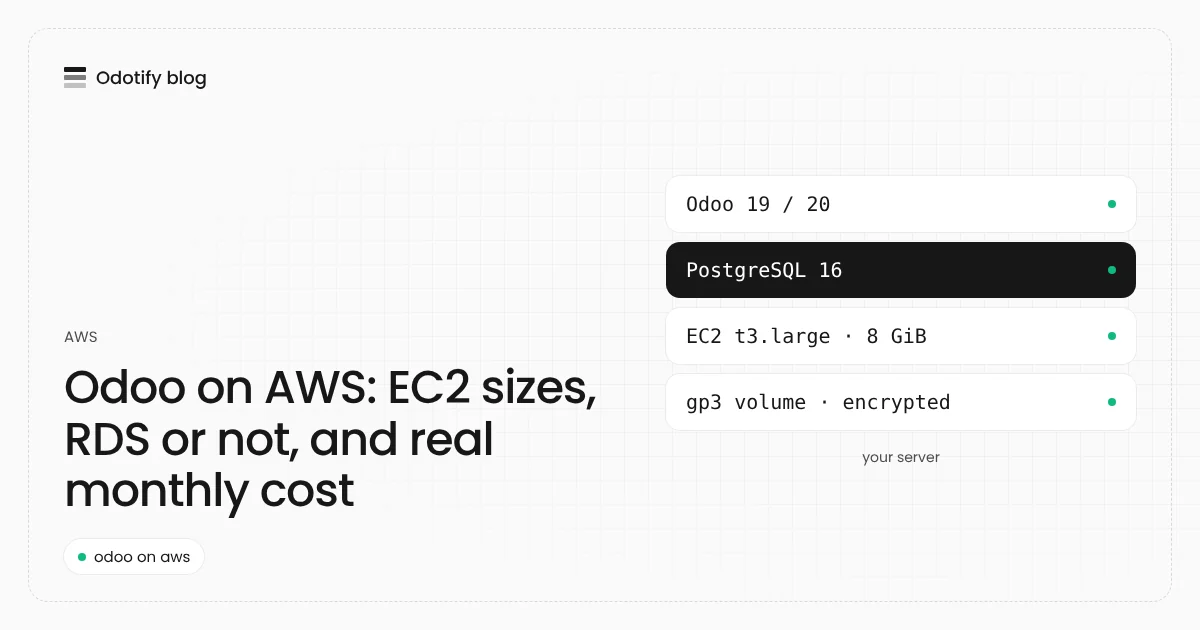
Odoo on AWS: EC2 sizes, RDS or not, and real monthly cost
Odotify team · Published · 7 min read
AWS is the default cloud for many companies, so "can we run Odoo on AWS?" comes up early in most Odoo projects. You can, and it works well, but AWS gives you dozens of ways to do it and a bill with many lines. This guide picks a sensible architecture, sizes it, prices it with AWS's own on-demand rates for US East (N. Virginia) as listed on 20 November 2026, and shows the setup steps. It is written for IT leads and Odoo partners deciding between AWS and simpler providers.
Can you host Odoo on AWS?
Yes. Odoo is a Python application with a PostgreSQL database, and both run on a standard Amazon EC2 Linux instance. Odoo S.A. does not sell an AWS edition: you install the same Community or Enterprise packages you would install anywhere, on an instance you control. Enterprise still needs its normal per-user subscription.
There are three common setups:
| Setup | What runs where | Good for |
|---|---|---|
| Single EC2 instance | Odoo, PostgreSQL and nginx on one instance | Up to a few dozen users; simplest and cheapest |
| EC2 + Amazon RDS | Odoo on EC2, PostgreSQL on RDS | Teams that want managed database backups and failover |
| Several EC2 instances behind a load balancer | Multiple Odoo instances, shared RDS and shared filestore | Large deployments; needs shared file storage and careful session setup |
Start with the first. You can move the database to RDS later without changing Odoo itself: only db_host, db_user and db_password in odoo.conf change.
Which EC2 instance size do you need for Odoo?
Odoo needs memory more than CPU. Each Odoo worker uses a few hundred MB, and PostgreSQL wants as much RAM as possible for its cache. For production, start at 8 GiB.
On-demand Linux prices in us-east-1, as listed on 20 November 2026 (monthly = hourly × 730 hours):
| Instance | vCPU | Memory | Per hour | Per month | Fits |
|---|---|---|---|---|---|
| t3.medium | 2 | 4 GiB | $0.0416 | $30.37 | Test or staging, 1 to 5 users |
| t4g.large (Graviton, arm64) | 2 | 8 GiB | $0.0672 | $49.06 | Small production |
| t3.large | 2 | 8 GiB | $0.0832 | $60.74 | Small production, up to about 25 users |
| m7g.large (Graviton, arm64) | 2 | 8 GiB | $0.0816 | $59.57 | Steady load without burst credits |
| m7i.large | 2 | 8 GiB | $0.1008 | $73.58 | Steady load, x86 |
| t3.xlarge | 4 | 16 GiB | $0.1664 | $121.47 | 25 to 60 users |
| m7i.xlarge | 4 | 16 GiB | $0.2016 | $147.17 | Busy databases, steady CPU |
Two things to know:
- T instances are burstable. They earn CPU credits when idle and spend them under load. Odoo's evening reports and month-end closing can exhaust credits on a busy t3; if CPU is high all day, an m7i or m7g is steadier.
- Graviton (t4g, m7g) is cheaper but arm64. Odoo's own code is pure Python, but check that every custom module's Python dependencies and your PDF tool install on arm64 before choosing it.
Savings Plans or Reserved Instances cut these prices further if you commit for one or three years. For the reasoning behind these sizes, see Odoo server requirements and how many Odoo workers you need.
Should you use Amazon RDS for Odoo's PostgreSQL?
RDS runs PostgreSQL for you: automated backups, point-in-time recovery, minor version patching and, with Multi-AZ, a standby in another availability zone. It is worth it when database downtime is expensive. It is not required.
On-demand RDS for PostgreSQL in us-east-1, as listed on 20 November 2026:
| RDS instance | Memory | Single-AZ per month | Multi-AZ per month |
|---|---|---|---|
| db.t4g.medium | 4 GiB | $47.45 ($0.065/h) | $94.17 ($0.129/h) |
| db.t4g.large | 8 GiB | $94.17 ($0.129/h) | $188.34 ($0.258/h) |
Storage is billed on top. Compare: a single t3.large running both Odoo and PostgreSQL costs $60.74 a month, while a t3.medium for Odoo plus a db.t4g.large Multi-AZ costs $30.37 + $188.34 = $218.71.
Two practical points when Odoo uses RDS:
- The first user AWS creates is a member of
rds_superuser, not a true PostgreSQL superuser. Create a separate, non-superuser role for Odoo (with permission to create databases if Odoo should create them) and let Odoo connect as that role, which is also what Odoo's security guidance recommends. - Put RDS in the same availability zone as the Odoo instance (or accept a little latency with Multi-AZ). Odoo makes many small queries per page.
What does Odoo on AWS cost per month?
A realistic small production setup in us-east-1, on demand, as listed on 20 November 2026:
| Line | Choice | Per month |
|---|---|---|
| Compute | t3.large | $60.74 |
| Disk | 100 GB gp3 at $0.08 per GB | $8.00 |
| Snapshots | Up to 100 GB of EBS snapshots at $0.05 per GB | up to $5.00 |
| Total (before data transfer and public IP) | up to about $73.74 |
Data transfer out to the internet and public IPv4 addresses are billed separately; for an internal ERP they are usually small. Add the Odoo Enterprise subscription if you use Enterprise, and the time of whoever operates the server. For the full picture of licence, hosting and people costs, use the calculator in our Odoo pricing guide.
Steps to install Odoo on an AWS EC2 instance
- Pick a region close to your users. Latency matters more than a few dollars. Check data residency rules (for example, keep EU data in an EU region).
- Create a security group that allows inbound TCP 22 (SSH, ideally from your IP only), 80 and 443. Never open 8069, 8072 or 5432 to the internet.
- Launch the instance from Canonical's Ubuntu 24.04 LTS image, with an encrypted gp3 root volume of at least 40 GB, and attach your SSH key pair.
- Give it a fixed address with an Elastic IP, and point a DNS record (for example
erp.example.com) to it. - Install PostgreSQL 16, Odoo and nginx following our Odoo on Ubuntu 24.04 guide, or run it with Docker Compose as in our Odoo Docker guide.
- Get a TLS certificate with Let's Encrypt and set
proxy_mode = Trueinodoo.conf. - Turn off the database manager with
list_db = Falseand a strongadmin_passwd. Our Odoo security checklist lists the rest. - Back up off the instance. EBS snapshots are useful but stay in the same account; also dump the database and filestore daily to an S3 bucket the instance cannot delete from. See our Odoo backup guide.
- Watch it. Set CloudWatch alarms for CPU credits, disk space and status checks.
Is AWS better than Odoo.sh or a smaller provider?
AWS wins when your company already runs on AWS (single bill, IAM, VPC peering to other systems, compliance reports) or needs a specific region. It is rarely the cheapest: comparable servers at Hetzner or DigitalOcean cost less, and Odoo.sh bundles hosting with Odoo's tooling. Our best Odoo hosting comparison and Odoo.sh alternative page set them side by side.
Odoo on AWS without doing it by hand
Odotify creates and runs Odoo servers in your own AWS account. You deploy a CloudFormation template that creates one IAM role, trusted by Odotify only with an external ID generated for your link. Odotify assumes the role for an hour at a time, holds no long-lived AWS key, and may only manage the EC2 instances, key pairs and security group it tagged. Servers are Ubuntu 24.04 with an encrypted 40 GB gp3 volume and a security group that opens only 22, 80 and 443; the suggested size is a t3.large.
Odotify then installs Odoo Community or Enterprise (17 to 20), sets up HTTPS, backups to off-server storage with monthly restore drills, monitoring and updates. If you want RDS or Aurora, register it as external PostgreSQL and Odoo connects to it, with failover handled by RDS. AWS bills you directly for the instance; Odotify's plans start at $0 a month. See pricing.
FAQ
Is there an Odoo AMI on AWS Marketplace?
Third-party images exist in AWS Marketplace, built by vendors rather than Odoo S.A. Check which Odoo version and edition they install, how they are updated, and whether the vendor charges an hourly software fee on top of EC2.
Can I use the AWS free tier for Odoo?
For a trial, yes. AWS's free tier page offers new accounts up to $200 in credits ($100 at sign-up, up to $100 more) over 6 months, after which the free-plan account closes. That covers a test server for a while, not production: plan on paid instances with at least 8 GiB.
Where does Odoo store attachments on AWS?
In its filestore, a folder on disk under Odoo's data_dir, not in PostgreSQL. On AWS that means the EBS volume: size it for your documents and always back up the filestore together with the database.
Which AWS region is best for Odoo?
The one closest to most of your users that meets your data residency rules. Prices differ between regions, so re-check the instance price in the region you choose.
Does Odoo support Amazon Aurora PostgreSQL?
Aurora is PostgreSQL-compatible, and Odoo connects to it like any PostgreSQL server. Check that the Aurora PostgreSQL version meets your Odoo version's minimum (PostgreSQL 16 or later for Odoo 20).
Sources
- Amazon EC2 On-Demand pricing: https://aws.amazon.com/ec2/pricing/on-demand/ (rates read from AWS's published price list for US East, N. Virginia)
- Amazon EBS pricing: https://aws.amazon.com/ebs/pricing/
- Amazon RDS for PostgreSQL pricing: https://aws.amazon.com/rds/postgresql/pricing/
- AWS Free Tier: https://aws.amazon.com/free/
- Amazon RDS User Guide, PostgreSQL roles and permissions: https://docs.aws.amazon.com/AmazonRDS/latest/UserGuide/Appendix.PostgreSQL.CommonDBATasks.Roles.html
- Odoo documentation, System configuration and Security (19.0): https://raw.githubusercontent.com/odoo/documentation/19.0/content/administration/on_premise/deploy.rst

Odotify team
Odotify hosts Odoo on servers its customers own. This article was researched against live search results and the Odotify codebase.