Odoo on DigitalOcean: Droplet size, setup and monthly cost
Odotify team · Published · 7 min read
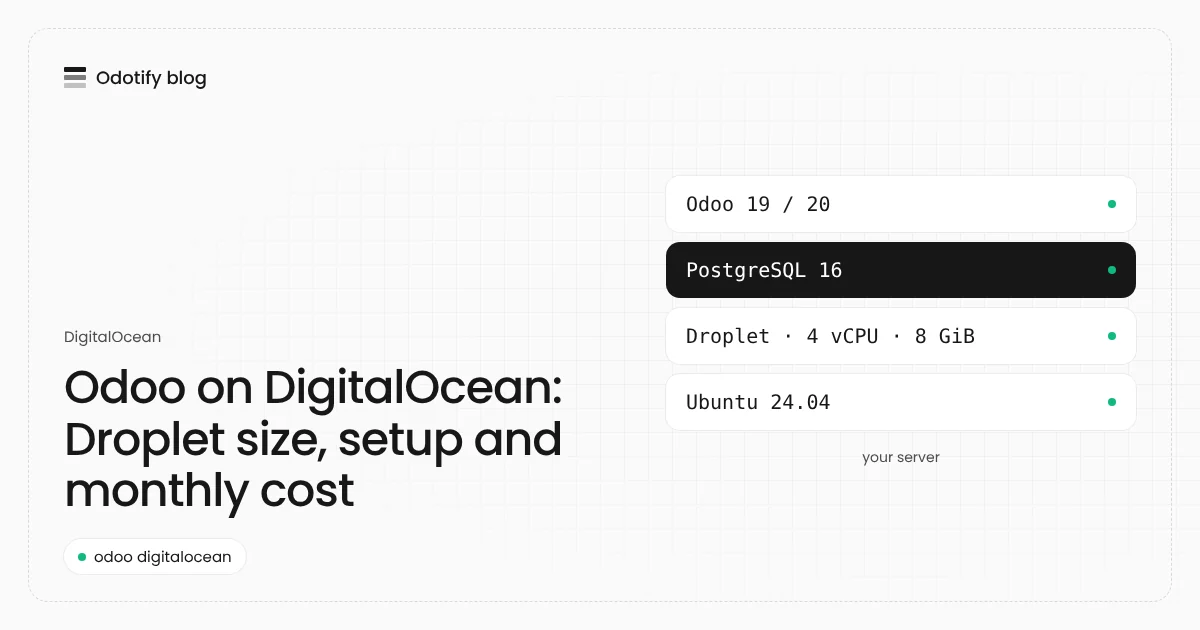
DigitalOcean is a popular home for Odoo: simple pricing, fast servers and datacenters in North America, Europe and Asia. It is also a common question on the Odoo forums, usually phrased as "should I host on DigitalOcean or use a managed Odoo host?". The answer is that you can do both, because a managed Odoo service can run on your DigitalOcean account. This guide shows which Droplet to pick, what it costs, and how to set it up, with prices from DigitalOcean's pricing pages as listed on 21 November 2026.
Can you host Odoo on DigitalOcean?
Yes. A DigitalOcean Droplet is a Linux virtual machine, and Odoo runs on any 64-bit Linux server with Python and PostgreSQL. DigitalOcean has no Odoo-specific product, so you install Odoo yourself (or let a tool do it), the same way as on any VPS.
Both editions work. Odoo Community is free to install. Odoo Enterprise on your own server needs an Enterprise subscription; you download the Enterprise code from your Odoo account and install it on the Droplet.
Which Droplet size do you need for Odoo?
Start with a Basic Droplet and size it from your number of concurrent users. Odoo's own rule is one worker per 6 concurrent users, at most (CPU cores × 2) + 1 workers, and about 325 MB of RAM per worker on average.
| Team | Droplet (Basic, Regular CPU) | Price per month |
|---|---|---|
| Test or 1 to 3 users | 2 vCPU, 2 GiB, 60 GiB SSD | $18 |
| Small company, up to about 15 concurrent users | 2 vCPU, 4 GiB, 80 GiB SSD | $24 |
| Growing company, up to about 30 concurrent users | 4 vCPU, 8 GiB, 160 GiB SSD | $48 |
| Larger team, up to about 60 concurrent users | 8 vCPU, 16 GiB, 320 GiB SSD | $96 |
Basic Droplets share CPU threads. DigitalOcean describes them as ideal for "bursty" applications, which suits Odoo: most requests are short, with bursts during reports and imports. If your Odoo runs at high CPU all day (large manufacturing or heavy cron jobs), move to a General Purpose Droplet with dedicated vCPUs: 2 vCPU and 8 GiB cost $63 a month, 4 vCPU and 16 GiB $126.
Avoid the 512 MiB and 1 GiB Droplets for anything beyond a quick demo. Odoo and PostgreSQL together need more memory than that. Since 1 January 2026, DigitalOcean bills Droplets per second (minimum 60 seconds or $0.01), so a test server you destroy after an hour costs cents. For more detail by version, see our Odoo server requirements.
Should you use DigitalOcean Managed PostgreSQL for Odoo?
For most Odoo installations, no: run PostgreSQL on the same Droplet. Use Managed PostgreSQL when you need automatic failover, a standby node, or want to scale the database separately.
| Option | Monthly cost | What you get |
|---|---|---|
| PostgreSQL on the Droplet | $0 extra | Lowest latency, you handle backups and upgrades |
| Managed PostgreSQL, 1 GiB, 1 vCPU | $15.15 | Managed backups and updates, 10 to 30 GiB storage |
| Managed PostgreSQL, 2 GiB, 1 vCPU | $30.45 | 30 to 60 GiB storage |
| Managed PostgreSQL, 4 GiB, 2 vCPU | $60.90 | 60 to 120 GiB storage |
Extra managed storage costs $0.215 per GiB per month, and standby nodes add their own cost. A 1 GiB managed database is smaller than what a busy Odoo needs, so compare the 4 GiB tier ($60.90) with simply moving to a bigger Droplet. If you do go managed, keep the Droplet and the database in the same region, and check that the PostgreSQL version meets your Odoo version: Odoo 20 needs PostgreSQL 16 or newer.
Which DigitalOcean region should you choose for Odoo?
Pick the region closest to your users, and where your data must legally stay. DigitalOcean's regional availability page (verified 28 October 2026) lists 16 datacenters open for new resources:
| Area | Datacenters (slug) |
|---|---|
| United States | New York (nyc1, nyc2, nyc3), San Francisco (sfo2, sfo3), Atlanta (atl1), Richmond (ric1), Kansas City (mkc1), Memphis (mem1) |
| Canada | Toronto (tor1) |
| Europe | Amsterdam (ams3), Frankfurt (fra1), London (lon1) |
| Asia and Pacific | Singapore (sgp1), Bangalore (blr1), Sydney (syd1) |
For EU data residency under GDPR, use Frankfurt or Amsterdam. Odoo is interactive, so a user in Paris on a New York server notices every click; the region matters more than one CPU size.
What does Odoo on DigitalOcean cost per month?
Here is a realistic monthly bill for a small company with about 15 concurrent users, Odoo Community, as listed on 21 November 2026:
| Item | Monthly cost |
|---|---|
| Basic Droplet, 2 vCPU, 4 GiB, 80 GiB SSD | $24.00 |
| Weekly Droplet backups (20% of the Droplet) | $4.80 |
| Outbound transfer (4,000 GiB included) | $0.00 |
| Total for the server | $28.80 |
Daily backups instead of weekly cost 30% of the Droplet, $7.20 here. Snapshots cost $0.06 per GB per month. For a growing team on the 4 vCPU, 8 GiB Droplet, the server comes to $48 plus $9.60 for weekly backups.
Droplet backups copy the whole machine. They are useful, but they are not a replacement for Odoo backups: a database dump plus the filestore, stored outside DigitalOcean, that you can restore to any server. Our Odoo backup and restore guide shows how.
Add Odoo licences if you run Enterprise. Compared with Odoo.sh, where a single worker is $72 a month before storage and staging, a Droplet gives more CPU and memory for the money but leaves the administration to you. Our Odoo.sh alternative page compares the two in detail.
Steps to install Odoo on a DigitalOcean Droplet
- Create the Droplet. Choose Ubuntu 24.04 (LTS) x64, your region, a Basic Droplet with at least 4 GiB, and add your SSH key. Turn on IPv6 if you want it.
- Create a cloud firewall in the DigitalOcean control panel: allow inbound 22 (SSH, ideally from your IP only), 80 and 443. Keep Odoo's 8069 and 8072 and PostgreSQL's 5432 closed.
- Point your domain at the Droplet's IP with an A record (and AAAA for IPv6).
- Install PostgreSQL and Odoo. On Ubuntu 24.04, PostgreSQL 16 comes from the standard packages. Install Odoo 19 or 20 from Odoo's packages or from source; our Ubuntu 24.04 install guide has every command.
- Configure
odoo.conf: setworkers(one per 6 concurrent users),proxy_mode = True, a strongadmin_passwd, andlist_db = Falsein production. - Add a reverse proxy with TLS, such as nginx or Caddy with a Let's Encrypt certificate, forwarding
/websocketto port 8072. - Set up off-server backups: a nightly
pg_dumpplus the filestore, sent to object storage in another provider or region. - Watch the server: enable monitoring, and test a restore before you go live.
DigitalOcean or a managed Odoo host?
DigitalOcean gives you the server, not Odoo. You still install Odoo, renew certificates, apply updates, run backups and upgrade between major versions. Managed hosts such as Odoo.sh do this for you but put Odoo on their servers, at their prices.
A third option is a control panel that runs Odoo on your own DigitalOcean account. You keep the Droplet, the bill and root access; the panel does the Odoo work.
Odoo on DigitalOcean with Odotify
Odotify connects to DigitalOcean in one step: you link your DigitalOcean account (OAuth, no API token to copy), pick a region and a Droplet size from a live list grouped the same way as DigitalOcean's own page, and Odotify creates an Ubuntu 24.04 Droplet with your SSH key. It then installs Odoo 17, 18, 19 or 20 per instance, Community or Enterprise, with TLS, a firewall in front of Odoo (from Starter), backups to object storage outside the server, and monitoring. If an organization is set to keep data in the EU, Odotify only offers EU regions. DigitalOcean bills the Droplet to you directly; Odotify is a flat fee: Free (1 server, 1 instance), Starter $19, Pro $39 or Agency $199 a month. See pricing, and our best Odoo hosting comparison for other options.
FAQ
Do I need a special image to run Odoo on DigitalOcean?
No. A plain Ubuntu 24.04 Droplet is the best base: install Odoo from Odoo's own packages or source, so you control the Odoo and PostgreSQL versions and can update them yourself.
What is the cheapest Droplet that runs Odoo?
The 2 vCPU, 2 GiB Basic Droplet at $18 a month runs Odoo for testing or one to three users. For a company in production, start at 4 GiB ($24 a month) so Odoo and PostgreSQL have room.
Is DigitalOcean good for Odoo in Europe?
Yes. Frankfurt (fra1) and Amsterdam (ams3) are in the EU, and London (lon1) serves the UK. Keep the Droplet, its backups and any managed database in EU regions if you need EU data residency.
Can I run Odoo Enterprise on DigitalOcean?
Yes, with an Odoo Enterprise subscription. You install the Enterprise code from your Odoo account on the Droplet. The licence is paid to Odoo, the Droplet to DigitalOcean.
How do I scale Odoo on DigitalOcean?
Resize the Droplet to more CPU and memory first. When one machine is no longer enough, move PostgreSQL to a separate Droplet or to Managed PostgreSQL in the same region.
Sources
- DigitalOcean Droplet pricing (Basic, General Purpose, backups, snapshots, per-second billing): https://www.digitalocean.com/pricing/droplets
- DigitalOcean Managed Databases pricing (PostgreSQL): https://www.digitalocean.com/pricing/managed-databases
- DigitalOcean regional availability (datacenters and slugs): https://docs.digitalocean.com/platform/regional-availability/
- Odoo 19.0 documentation, system configuration (workers and memory): https://raw.githubusercontent.com/odoo/documentation/19.0/content/administration/on_premise/deploy.rst
- Odoo source, version requirements: https://raw.githubusercontent.com/odoo/odoo/19.0/odoo/release.py

Odotify team
Odotify hosts Odoo on servers its customers own. This article was researched against live search results and the Odotify codebase.