Odoo backup and restore: database, filestore and tests
Odotify team · Published · 5 min read
Most Odoo backups fail the day they are needed, not the day they are taken. The database restores and the attachments are gone, or the only copy was on the disk that died. This guide shows how to back up Odoo properly on your own server or Docker, how to restore it, and how to prove that it works.
What does an Odoo backup need to contain?
Two things, always together:
- The PostgreSQL database: every record, from partners to journal entries.
- The filestore: the folder where Odoo keeps attachments, invoice PDFs, product images and documents.
A backup with only the database restores into an Odoo full of broken attachments. Odoo's own ZIP backup format contains both: a dump.sql with the database, a manifest.json describing the Odoo version and modules, and a filestore/ directory when the database has files.
How Odoo Online and Odoo.sh back up
If Odoo S.A. hosts your database, backups are handled for you. Odoo's security page states that it keeps 14 full backups of each database for at least 3 months: 1 a day for 7 days, 1 a week for 4 weeks and 1 a month for 3 months, replicated in at least 3 data centres. You can download a backup from your database management page.
On your own server, none of this exists until you build it. The rest of this guide is for that case.
Four ways to back up a self-hosted Odoo
| Method | Includes filestore | Best for | Watch out for |
|---|---|---|---|
Database manager (/web/database/manager) | Yes, with ZIP | One-off manual backups | Needs the master password; close it on production with list_db = False |
odoo-bin db dump (Odoo 19) | Yes | Scheduled backups on a package or source install | Run as the Odoo user with the right config file |
pg_dump + archive of the filestore | Yes, if you archive both | Docker and large databases | Two files to keep in sync |
OCA module auto_backup | Yes | Scheduling from inside Odoo | Runs inside Odoo; backups still need to leave the server |
Backing up with odoo-bin db (Odoo 19)
Odoo 19's command line has a db command that writes the same ZIP as the database manager:
sudo -u odoo /opt/odoo/odoo-venv/bin/python3 /opt/odoo/odoo/odoo-bin db \
  -c /etc/odoo.conf dump mycompany /var/backups/odoo/mycompany-$(date +%F).zip

# check the archive is readable
unzip -t /var/backups/odoo/mycompany-$(date +%F).zip
Adjust the paths to your installation. The config file passed with -c must contain the same data_dir as the running Odoo, or the filestore will not be found.
Backing up Odoo on Docker
With the official images, back up the database from the PostgreSQL container and the filestore from Odoo's data volume:
# database
docker compose exec -T db pg_dump -U odoo -Fc mycompany > mycompany-$(date +%F).dump

# filestore (attachments)
docker run --rm -v odoo-web-data:/data -v "$PWD":/backup alpine \
  tar czf /backup/filestore-$(date +%F).tgz -C /data .
Our Odoo Docker guide shows the full Compose setup these commands match.
Steps to automate Odoo backups
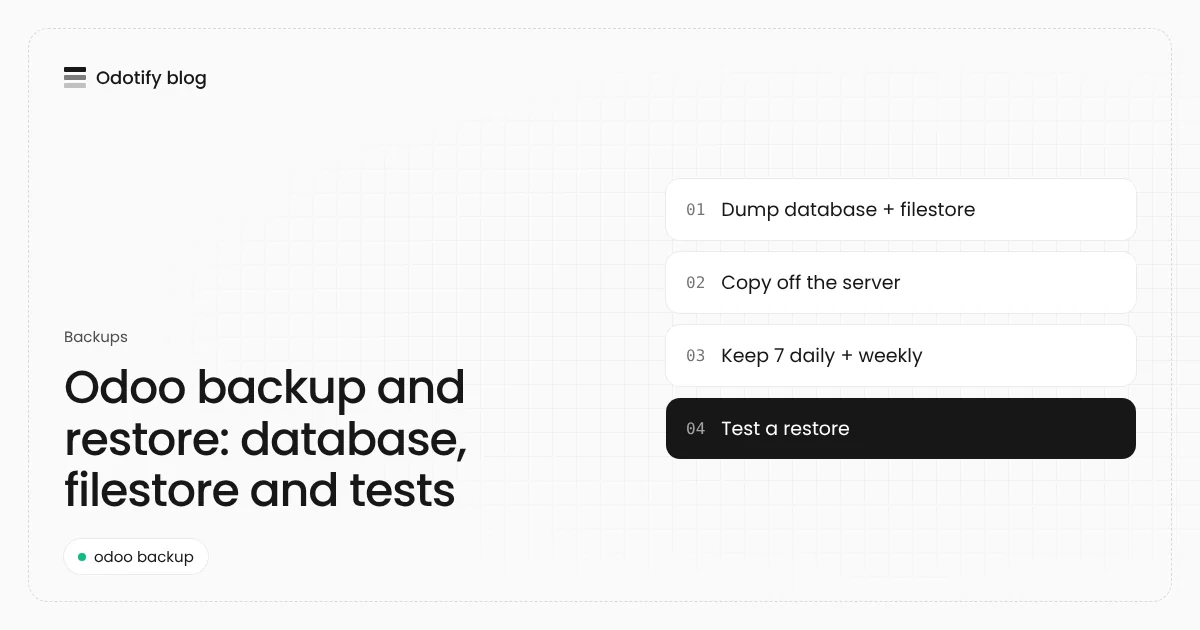
- Write one backup script that dumps the database and filestore with one of the methods above, into a dated file.
- Schedule it daily with cron at a quiet hour, for example
30 1 * * *, and useflockso two runs never overlap. - Copy every backup off the server to object storage such as S3 or Wasabi, in another location. A backup on the same disk dies with the disk.
- Keep generations: for example 7 daily and 4 weekly copies, and delete older ones automatically so storage does not fill up.
- Alert on failure: send an email or a monitoring alert when the script exits with an error or the file is suspiciously small.
- Test a restore every month on a separate database (next section).
How do I restore an Odoo backup?
With Odoo 19's command line, restore a ZIP into a new database. The target database must not exist yet:
sudo systemctl stop odoo
sudo -u odoo /opt/odoo/odoo-venv/bin/python3 /opt/odoo/odoo/odoo-bin db \
  -c /etc/odoo.conf load --neutralize mycompany_restore \
  /var/backups/odoo/mycompany-2026-11-18.zip
sudo systemctl start odoo
--neutralize disables scheduled actions and outgoing integrations, so a copy does not send emails to customers or talk to payment providers. Leave it out only when you restore production itself after a disaster.
Two rules for restores:
- Same Odoo version. A backup from Odoo 18 restores on Odoo 18. Restoring on Odoo 19 does not upgrade it; see the Odoo upgrade guide.
- Same custom modules. The restored database expects the same addons, at the same versions, in the addons path.
What is the difference between backup and restore?
A backup is a copy of the database and filestore at one point in time. A restore turns that copy back into a working database. Only the restore proves the backup is any good, which is why a backup plan without restore tests is incomplete. Write down how long a restore takes: that is the minimum downtime you will have after a failure.
Odoo backup checklist
- Database and filestore in every backup
- Runs every day, without anyone pressing a button
- Copied off the server, ideally to another provider or region
- At least a week of daily copies, plus weekly ones
- Failures alert someone
- Database manager closed (
list_db = False) and a strong master password - A restore tested in the last month, with the time it took written down
Backups and restore drills on Odotify
Odotify sets this up on every instance it runs on your server. Paid plans take daily backups kept for a week, or any schedule you set; the Free plan backs up weekly. Backups go to your own S3 or Wasabi bucket, or Odotify's storage, and can be downloaded as standard Odoo dumps. Every month, Odotify restores a production backup beside the instance, checks it, and signs a certificate when it passes, so you know a restore works before you need one. A backup is also taken automatically before risky actions such as module uploads or switching to Enterprise. See pricing and our self-hosted Odoo guide.
FAQ
How do I back up an Odoo database?
On a self-hosted server, use the database manager at /web/database/manager with the ZIP format, or on Odoo 19 run odoo-bin db -c /etc/odoo.conf dump <database> <file>.zip. On Docker, run pg_dump in the PostgreSQL container and archive the filestore volume. Copy the result off the server.
Does an Odoo backup include attachments?
Only the ZIP format does: it contains the filestore with attachments, images and PDFs. A plain SQL dump or pg_dump file contains the database only, so archive the filestore separately.
How often should I back up Odoo?
At least daily for any production database, with a week of daily copies and several weekly ones. Odoo's own cloud keeps daily backups for 7 days, weekly for 4 weeks and monthly for 3 months, which is a sensible model to copy.
Where should Odoo backups be stored?
Off the Odoo server, in object storage such as S3 or Wasabi or another server, ideally in a different location. Backups contain personal data, so keep them in a region that fits your data protection rules.
How do I restore Odoo without sending emails to customers?
Restore with neutralization: odoo-bin db load --neutralize on Odoo 19, or the neutralize option when restoring a copy. It disables scheduled actions and outgoing integrations on the restored database.
Sources
- Odoo security (Odoo Cloud backups): https://www.odoo.com/security
- Odoo backup and restore with
odoo-bin db(Linuxize, Odoo 19): https://linuxize.com/post/how-to-setup-automatic-odoo-backup/ - Odoo, hosting types: https://www.odoo.com/page/hosting-types

Odotify team
Odotify hosts Odoo on servers its customers own. This article was researched against live search results and the Odotify codebase.