Odoo upgrade guide: how to move to a new version safely
Odotify team · Published · 6 min read
Upgrading Odoo is not like updating a phone app. Each major version (17.0, 18.0, 19.0, 20.0) changes the database structure, so your data has to be migrated, and every custom or third-party module has to be ported to the new version. Done carefully, it is a routine project. Done in a hurry on production, it is the most common way to lose a weekend.
This guide walks through the whole process for both editions, with the commands, the order of operations and the mistakes to avoid.
Update or upgrade: what is the difference?
- An update stays on the same major version. You pull the latest fixes for, say, Odoo 19.0 and run
-uon your modules. It takes minutes and is safe to do often. - An upgrade (Odoo also says migration) moves to a new major version, for example from 18.0 to 19.0. The database schema changes, modules are renamed or merged, and views change. This is the subject of this guide.
Odoo releases one major version a year and supports the three most recent ones. With Odoo 20 out in autumn 2026, 17.0 is the oldest version that still gets Odoo's fixes, so a database on 16.0 or older is already running without security updates.
Which upgrade path do you need?
| Your setup | Who migrates the data | Tool |
|---|---|---|
| Odoo Enterprise (any hosting) | Odoo S.A., included in the Enterprise subscription | upgrade.odoo.com |
| Odoo Online (SaaS) | Odoo, on its own schedule or when you ask | Built in |
| Odoo.sh | Odoo, through a staging branch | Built in, then you test |
| Odoo Community | You or your partner | OCA OpenUpgrade |
In every case your own custom modules are your job: Odoo migrates the standard modules and your data, not code it did not write.
Steps to upgrade Odoo safely
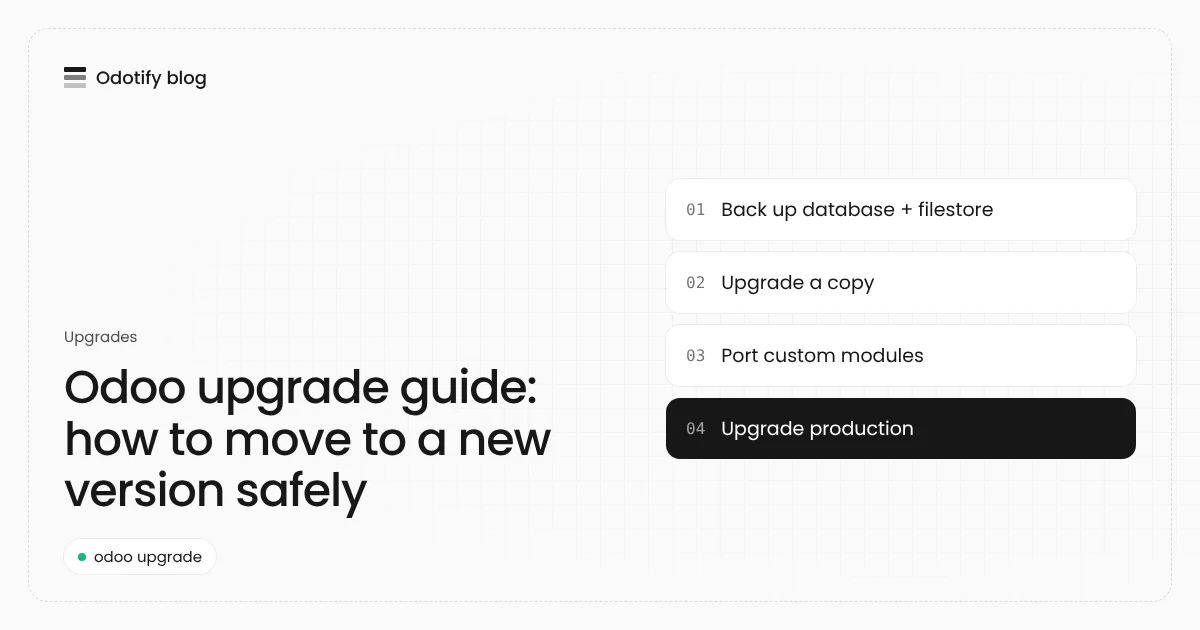
- Inventory your modules: list every installed module and mark each one as standard, third-party (Odoo Apps store, OCA) or custom. Uninstall what nobody uses: every module you drop is one less to port.
- Choose the target version: jump to the newest version your critical modules support. Enterprise can skip versions in one request; OpenUpgrade goes one major at a time (17 to 18 to 19).
- Back up the database and the filestore: a restore needs both. A
pg_dumpwithout the filestore loses every attachment, image and PDF. - Upgrade a copy, never production first: restore the backup on a separate instance, neutralize it (no outgoing email, no scheduled actions, no payment providers), and run the upgrade there.
- Port your custom modules: update manifests, Python API changes, XML views and assets for the new version, then install them on the upgraded copy.
- Test with real users: ask the people who do invoicing, stock and payroll to repeat a normal week on the copy. Write down every difference.
- Plan the production window: freeze changes, take a fresh backup, upgrade production with the exact same steps, and keep the old version ready to switch back.
- Check and monitor: verify the logs, scheduled actions, email and integrations on the first day, and keep the pre-upgrade backup for at least a month.
Upgrading Odoo Enterprise with upgrade.odoo.com
Enterprise customers send a copy of the database to Odoo's upgrade service and get an upgraded database back. On a self-hosted server you can run it from the command line. Odoo's documentation gives this form:
# test request: Odoo returns an upgraded copy to try
python3 <(curl -s https://upgrade.odoo.com/upgrade) test -d mycompany -t 19.0

# when the test is good, the production request
python3 <(curl -s https://upgrade.odoo.com/upgrade) production -d mycompany -t 19.0
The script dumps the database, uploads it, waits for Odoo's platform and restores the result. Your filestore stays on your server, so keep it next to the restored database. The upgraded database needs the new version of every custom module before it will start cleanly.
Upgrading Odoo Community with OpenUpgrade
Community databases are migrated with OpenUpgrade, maintained by the Odoo Community Association (OCA). It is a set of migration scripts that run while Odoo updates all modules:
- Check the OpenUpgrade coverage table for your target version: it lists, per module, whether migration scripts exist.
- Run the target version of Odoo with OpenUpgrade's scripts on the
--upgrade-pathand theopenupgrade_frameworkmodule loaded, and update everything with-u allon a copy of the database. - Repeat for each major version until you reach the target.
Modules marked as not covered either need no data migration or need a script you write. This is where most of the effort in a Community upgrade goes.
How long does an Odoo upgrade take, and what does it cost?
For a company with mostly standard apps, the technical upgrade of a copy takes hours, and testing takes one to three weeks of calendar time because people test between their normal work. Every custom module adds porting time, often one to five days each depending on size.
Published estimates vary widely. One Odoo partner, WeSolved, quotes an average of $1,000 to $5,000 for a simple upgrade with few custom modules, and more for heavily customized databases. The biggest cost driver is never the data: it is the custom code and the testing.
The mistakes that break Odoo upgrades
- Upgrading production directly. Always run the full upgrade on a copy first, timed, so you know how long the real window will be.
- Forgetting the filestore. Attachments live outside PostgreSQL.
- A copy that still sends emails. An unneutralized test database can email customers or charge cards.
- Skipping a PostgreSQL check. New Odoo versions need newer PostgreSQL. Odoo 20 needs PostgreSQL 16 or newer, so an older Ubuntu or Debian server must move first. See Odoo 20: what changes for hosting.
- No way back. Keep the old image and the pre-upgrade backup until the new version has run for a full business cycle.
How Odotify runs an Odoo upgrade
On Odotify, an upgrade is two clicks with a review in between. For Community, Odotify makes a neutralized staging copy of production, reports what happens to each installed module (covered, renamed, missing or custom), and upgrades the copy with OpenUpgrade so people can try the new version. When you promote it, production is backed up, upgraded the same way on its own fresh data and checked; any failure puts the database and the previous version back. Enterprise databases go through Odoo's own upgrade service and come back as an import. It all runs on your own server, from $0 a month: see pricing.
FAQ
Can I skip versions when I upgrade Odoo?
With Odoo Enterprise, yes: upgrade.odoo.com can move a database across several majors in one request. With Community and OpenUpgrade you go one major at a time, for example 16.0 to 17.0, then 17.0 to 18.0.
Is upgrading Odoo free?
The migration of standard modules is included in an Odoo Enterprise subscription. Community upgrades with OpenUpgrade are free software, but someone has to run and test them. Porting custom modules is paid work in both cases unless you do it yourself.
How often should I upgrade Odoo?
Most companies upgrade every one to two years and never let their version fall out of Odoo's three-version support window. Apply minor updates of your current version every week or month.
Will my custom modules work after an upgrade?
Not without changes. Each major version changes Python APIs, views and assets, so custom modules must be ported and tested on the new version before production is upgraded.
Can I roll back an Odoo upgrade?
Only if you planned it: keep the pre-upgrade database and filestore backup and the previous Odoo version until the upgraded system has run for a full business cycle. Odotify keeps both and restores them automatically if the production upgrade fails its checks.
Sources
- Odoo documentation, Upgrade: https://www.odoo.com/documentation/19.0/administration/upgrade.html
- OCA OpenUpgrade: https://github.com/OCA/OpenUpgrade
- WeSolved blog, "How much does it cost to upgrade Odoo to a new version?" (August 2024): https://wesolved.com/blog

Odotify team
Odotify hosts Odoo on servers its customers own. This article was researched against live search results and the Odotify codebase.