Odoo Documents: features, limits and where files live (2026)
Odotify team · Published · 8 min read
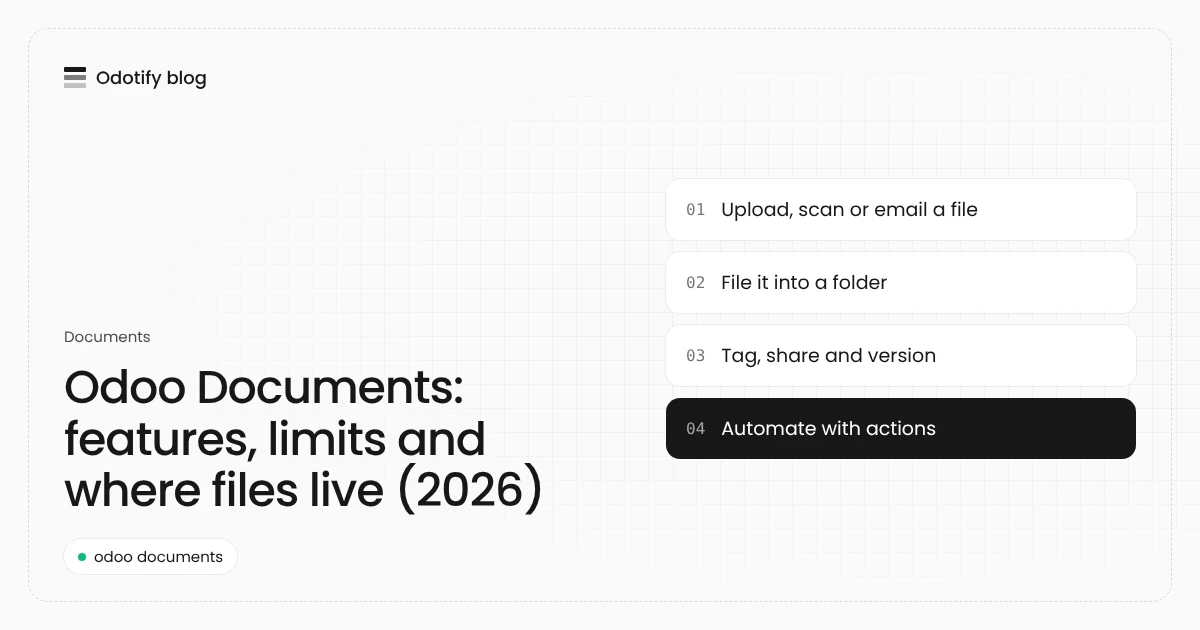
Odoo Documents is the app people reach for when they want to stop keeping invoices, contracts and HR files in email and shared drives. This guide is for companies deciding whether to use it, and for administrators who will run it. You will learn what the app does in Odoo 20, which plan or edition you need, what the free alternative for Odoo Community is, and what happens to the files on a server you run yourself. It is based on the Odoo 20.0 Documents documentation, Odoo's Documents feature page and pricing page, and the Odoo and OCA source code, all read on 28 November 2026.
What is Odoo Documents?
Odoo Documents is a document management app built into Odoo: it stores, previews, organizes and shares files, and links them to Odoo records such as invoices, employees and tasks. Because it lives in the same database as the rest of Odoo, a vendor bill PDF in Documents can become a draft bill in Accounting, and an employee's contract sits next to their HR record.
In Odoo 20 the app is organized into sections in a tree on the left:
| Section | What it shows |
|---|---|
| All | Every folder and file the user has access to |
| Company | Folders and files shared across the company |
| My Drive | The user's personal workspace |
| Shared with me | Files shared with the user outside folders they can open |
| Recent | Recently modified files the user can see or edit |
| Trash | Deleted files and folders, kept 30 days by default |
Files can be uploaded, dragged in, added as a link (for example a video or a Google Doc), or created as an Odoo spreadsheet.
What can you do with Odoo Documents?
The core features are folders, tags, sharing with access rights, versions, locking, PDF split and merge, email aliases, file requests and per-folder actions. In more detail:
- Preview PDFs, images and videos in the browser, with a chatter on every file for comments and activities.
- Versions: "Manage versions" lists every uploaded version of a file and lets you download an older one or upload a new one.
- Lock a file to protect it from changes while someone works on it.
- Shortcuts point to the same file from several folders without copying it.
- Split PDF and Merge PDFs: useful when a scanner sends many pages as one file. Note that merging replaces the original PDFs with the merged one.
- Email aliases per folder: files sent to the alias land in that folder, with tags and an optional activity. You need a custom alias domain configured in General Settings first.
- File requests: create a placeholder for a missing document, assign it to a person with a due date, and send reminders from the activity view.
- Linked records: attach a file to any record through the "Linked to" field.
- Actions and automations per folder: buttons that run server actions on the files, and automation rules. Odoo notes that automation rules need Studio, which can change your pricing plan.
- AI auto-sort: with the Odoo AI app installed, a prompt can sort files in a folder and trigger actions.
What is file centralization?
File centralization makes other Odoo apps file their attachments into Documents automatically, each app into its own folder. It is on by default for each app when you install it. For Accounting, a sub-folder is created per journal type (sales, purchase, bank) and the journal name becomes a tag; Accounting centralization cannot be turned off. For HR, each employee gets a sub-folder and files are tagged by type, such as contracts or payslips.
Two side effects matter. Changing the folder or tags only affects new files. And when centralization is on, deleting a record in the source app moves its attachments to the Documents trash.
How do sharing and access rights work?
Every folder and file has its own access list: people get Viewer or Editor rights, and you set general access for internal users and for anyone with the link. You can give a permission an expiry date, share without sending a notification, and decide whether a link-shared item is discoverable by browsing. A shared folder opens in a portal page where external contacts see only the files they are allowed to see. Portal users also find their folders under the Documents card of the customer portal.
Is Odoo Documents free?
No. Documents is an Enterprise app. On Odoo's own cloud you get it in the Standard and Custom plans, which include all apps for one price per user, or as the single app of the One App Free plan. On your own server you need an Odoo Enterprise subscription: the documents module is not in the Odoo Community source (there is no addons/documents in the odoo/odoo 20.0 branch). Current plan prices are on our Odoo pricing guide, and what else separates the editions is on Odoo Community vs Enterprise.
Two costs are easy to miss:
- AI digitization. Turning a bill or expense receipt into fields uses Odoo's paid Extract service. Odoo's developer documentation states that each document processed costs one credit from your document digitization IAP account, on any hosting.
- Studio for automations. Folder automation rules require Studio, which on Odoo's cloud is part of the Custom plan.
What is the free alternative for Odoo Community?
The OCA dms module is the main open-source document management module for Odoo Community, and it has a 20.0 release. The OCA dms repository lists dms at version 20.0.1.0.0 (licence LGPL-3), together with dms_field to show a DMS view inside any record, hr_dms_field for employee files, and dms_auto_classification to sort documents automatically.
It is not a copy of Odoo Documents. Expect a different interface and no built-in link to Odoo's AI bill digitization. Test it on a staging copy of your database with your own files before committing. If you only need attachments on records, plain Odoo Community already stores them in the chatter of each record without any extra module.
Where are Odoo Documents files stored on a self-hosted server?
In the filestore, a folder on the server's disk, not in PostgreSQL. A file in Documents is an attachment (ir.attachment) underneath. The database holds its name, folder, tags and access rights; the bytes live under Odoo's data directory in filestore/<database name>/, named by checksum. On Odotify, that path is /srv/odoo/<instance>/data/filestore/<db> on your server.
This has three consequences:
- Disk size. A company that scans every bill and contract grows the filestore much faster than the database. Watch disk usage and plan for it in the server sizing.
- Backups must include the filestore. A
pg_dumpalone restores folders and tags pointing to files that no longer exist. See Odoo backup and restore. - Cloud storage modules do not move Documents files. Odoo's native cloud storage modules only send chatter and email attachments above a size you set to a bucket; files in Documents stay in the filestore. Details are in Odoo cloud storage.
On Odoo Online, Odoo's documentation sets a limit of 64 MB per uploaded file. On your own server, the practical limit is your reverse proxy's upload size and your disk.
Steps to set up Odoo Documents
- Install the Documents app (Enterprise) and decide which apps should centralize their files; adjust the default folders and tags in Documents, Configuration, Settings.
- Create the Company folder structure you need, for example Finance, HR, Legal and Projects, with sub-folders.
- Set access rights per folder: Editor for the team that owns it, Viewer or none for the rest.
- Create tags per folder (for example "To approve", "Approved", "Contract") under Documents, Configuration, Tags.
- Configure an alias domain, then give each inbox-style folder an email alias, and point your scanner at it.
- Add folder actions for repeated work, such as creating a vendor bill from a PDF in the Finance inbox.
- Set the trash deletion delay to match your retention policy (30 days by default).
- On a self-hosted server, confirm that backups include the filestore and test a restore.
Odoo Documents vs Google Drive or SharePoint
Use Documents when files belong to Odoo records; keep a general drive for files that never touch Odoo. Documents wins on links to records, automatic filing, bill digitization and portal sharing with customers and vendors. It is not an office suite: it previews PDFs, images and videos and has Odoo spreadsheets, but Odoo's documentation and feature page describe no in-place editor for Word or Excel files, which you can keep as links to an external file instead. Many companies use both: the drive for drafting, Documents for the signed, final file linked to the right record.
Where Odotify fits
Odotify runs Odoo 17, 18, 19 or 20, Community or Enterprise, on servers you own at Hetzner, DigitalOcean, AWS, Google Cloud, Azure, Vultr, Akamai or any Linux host. If you use Documents with an Enterprise licence, or OCA dms on Community, the files stay on your server, and Odotify's automatic backups include the filestore. Backups can go to your own S3 or Wasabi bucket on every plan, and you can import an existing Odoo database together with its files. Moving from Odoo.sh is covered on the Odoo.sh alternative page. Plans are on the pricing page.
FAQ
Is Odoo Documents included in Odoo Community?
No. Documents is an Enterprise app; the documents module is not in the Odoo Community source code. Community users can install the OCA dms module, which has a 20.0 version.
How much does Odoo Documents cost?
On Odoo's cloud it is included in the Standard and Custom plans, priced per user per month, or free as the single app of One App Free. AI digitization of bills costs one IAP credit per document on top.
Where does Odoo store Documents files?
In the filestore folder on the server's disk, under the data directory in filestore/database-name. The database only keeps the metadata: names, folders, tags and access rights.
Can Odoo Documents edit Word or Excel files?
Odoo does not list an in-place Word or Excel editor. Documents previews PDFs, images and videos, creates Odoo spreadsheets, and can hold a link to a file kept in Google Docs or another tool.
How long does Odoo keep deleted documents?
30 days in the trash by default. You can change the deletion delay in Documents, Configuration, Settings.
What is the file size limit in Odoo Documents?
On Odoo Online, 64 MB per uploaded file. On a server you run yourself, the limit depends on your reverse proxy upload size and available disk.
Sources
- Odoo 20.0 documentation, Documents (read 28 November 2026): https://www.odoo.com/documentation/20.0/applications/productivity/documents.html
- Odoo, Documents features page (read 28 November 2026): https://www.odoo.com/app/documents-features
- Odoo pricing page (read 28 November 2026): https://www.odoo.com/pricing
- Odoo 20.0 documentation, Extract API, one credit per document (read 28 November 2026): https://www.odoo.com/documentation/20.0/developer/reference/extract_api.html
- OCA dms repository, 20.0 branch: https://github.com/OCA/dms/tree/20.0

Odotify team
Odotify hosts Odoo on servers its customers own. This article was researched against live search results and the Odotify codebase.