Odoo 19 vs Odoo 20: what changed and should you upgrade?
Odotify team · Published · 7 min read
Odoo 20 came out in September 2026, one year after Odoo 19. If you run Odoo 19 today, or are about to start a project, you want to know three things: what actually changed for users, what changed for your server and your custom code, and whether to move now. This comparison answers all three from Odoo's own release notes, Odoo's pricing page and the 19.0 and 20.0 source code, checked on 25 November 2026.
Odoo 19 vs Odoo 20 at a glance
| Odoo 19 | Odoo 20 | |
|---|---|---|
| Released | Autumn 2025 | September 2026 |
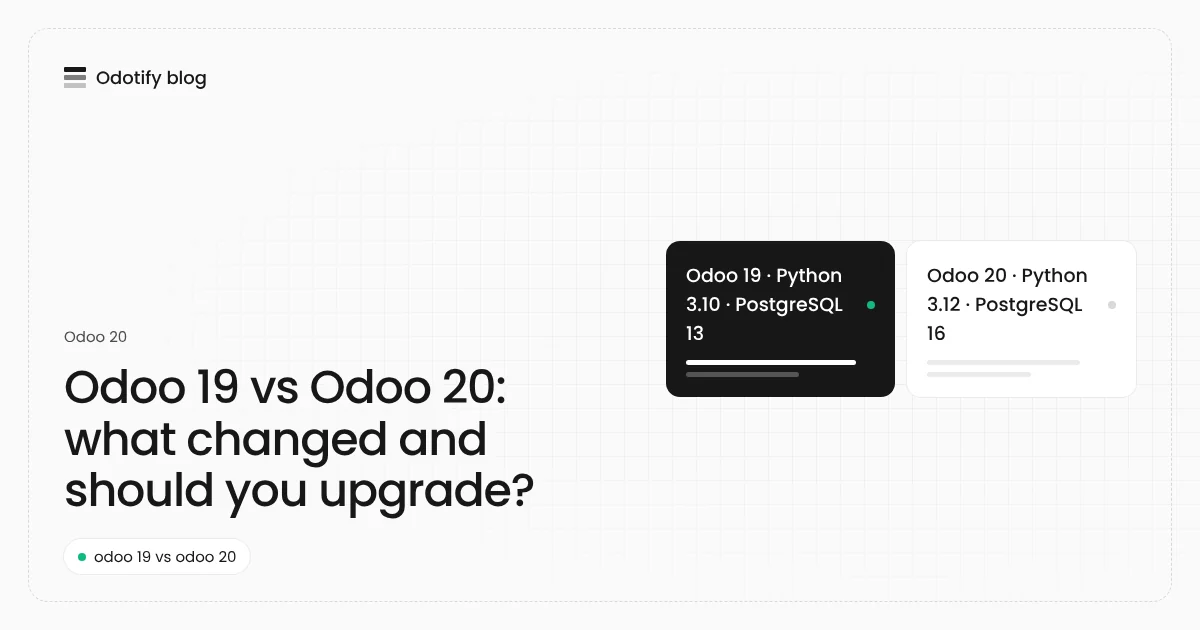
| Minimum Python | 3.10 | 3.12 |
| Minimum PostgreSQL | 13 | 16 |
| Ubuntu / Debian | 22.04, 24.04 / 12, 13 | 24.04 or later / 13 |
| AI agents | Answer, summarize, search | Also create and update records, run from automated and scheduled actions |
| AI billing | Own OpenAI or Gemini key possible on-premise | All AI features need IAP credits |
| Access rules | ir.model.access + ir.rule | One model, ir.access |
| Field Service | Separate app | Merged into Planning |
| Light users | Not offered | US$8.90 per user per month (Odoo's pricing page) |
| Support | Supported | Supported (newest) |
The Python and PostgreSQL minimums come straight from odoo/release.py in each branch: MIN_PY_VERSION = (3, 10) and MIN_PG_VERSION = 13 in 19.0, (3, 12) and 16 in 20.0.
What is new in Odoo 20 for users?
AI agents that act, not only answer. Odoo 20's release notes list agents that create records (including from an uploaded PDF of instructions), update records, ask questions about a file while you preview it, generate images for websites and mailings, and show live progress. Agents can be summoned by automated and scheduled actions, and you can review "automation chats" to see how an agent handled a run. The notes also say all AI features now need credits bought through IAP, which matters if you self-host and used your own API key on Odoo 19 (see Odoo AI).
Connect Odoo to AI tools over MCP. The release notes add "Connect to your database via MCP". Our Odoo MCP guide explains what that means and how it differs from third-party MCP servers.
Everyday screens. Activities can be assigned to a role instead of a person, emails can include CC recipients (shown in the chatter), the chatter can be filtered to conversations or tracked changes, and Discuss adds channel categories, favorite channels, polls and call transcripts with summaries.
Accounting. Bill line prediction pre-fills product, account, tax and analytic distribution from earlier bills. Matching rules set payment tolerance and order for automatic reconciliation, there is a bank reconciliation summary report, and every journal entry that touches a bank account must now come from a bank transaction.
Field Service is gone as an app. "The Field Service app has been discontinued. Its features are now integrated into the Planning app", say the release notes. In the source, the industry_fsm* modules are replaced by planning_field_service* modules, so check field service customizations early.
Point of Sale. End of session now creates one global sale instead of miscellaneous entries, several currencies can be accepted at the same checkout, label printers connect over a USB proxy, and a restrictive "Supervised" employee access level was added. In the 20.0 source, stock handling moved out of point_of_sale into an auto-installed pos_stock module. Hardware choices are covered in our Odoo POS hardware guide.
What are Odoo 20 Light users?
A cheaper user type for staff who only use a few self-service or shop-floor screens. Odoo's pricing page lists the Light user at US$8.90 per user per month next to the Standard and Custom plans (as listed on 25 November 2026). A Light user is an active user marked as "Light user", or an active employee record with no linked internal user. As users they get time off, expenses, appraisals, attendances, referrals, their own planning, field service, the inventory barcode operator screen and read-only Knowledge; as employees they can receive payslips, use the Point of Sale and use the Shop Floor. Odoo asks you to book a call with an advisor to get the licence.
For a warehouse or a chain of shops, this is often the biggest practical difference between 19 and 20, because those people used to cost a full user.
What changed for developers and integrations?
Every custom module needs a port. The changes we confirmed in the 20.0 source:
- One access model.
ir.model.accessandir.ruleare replaced byir.access, and module security files becomesecurity/ir.access.csv(the base module ships one, andodoo/addons/base/models/ir_access.pydefines it). - Higher platform floor: Python 3.12 and PostgreSQL 16.
- Pluggable PDF engine: a new
base_report_paper_munchermodule adds Odoo's own HTML-to-PDF engine next to wkhtmltopdf. - POS stock split into
pos_stock, and Field Service rebuilt on Planning.
ODXProxy, which reviewed the 19.0 to 20.0 diff in detail, also reports that API keys must now have a scope, binary fields read as a dict over the external API, account.group and res.bank are gone, the web client runs OWL 3 with Material Symbols instead of Font Awesome, and XML-RPC and JSON-RPC calls log that they are scheduled for removal in Odoo 22. Test every integration against a 20.0 copy before you move production.
Odoo 20 server requirements compared
Odoo 20 will not start on PostgreSQL 15 or older. Ubuntu 22.04 ships PostgreSQL 14 and Debian 12 ships 15, so servers on those releases need either PostgreSQL 16 from the PostgreSQL apt repository or a new server on Ubuntu 24.04 or Debian 13. Memory and CPU sizing does not change much between the two versions; see Odoo server requirements and Odoo and PostgreSQL versions.
| Server | Odoo 19 | Odoo 20 |
|---|---|---|
| Ubuntu 22.04 with its own PostgreSQL 14 | Yes | No |
| Ubuntu 24.04 (PostgreSQL 16) | Yes | Yes |
| Debian 12 (PostgreSQL 15) | Yes | No |
| Debian 13 (PostgreSQL 17) | Yes | Yes |
Should you upgrade from Odoo 19 to Odoo 20?
Start new projects on Odoo 20; move existing Odoo 19 databases when your modules are ready. Odoo's upgrade documentation says each major version is supported for three years, so Odoo 19 is not under pressure yet.
| Your situation | Recommendation |
|---|---|
| New implementation | Odoo 20 |
| Odoo 19, standard apps, Light-user staff | Upgrade a test copy now, plan production within a few months |
| Odoo 19 with Field Service | Test the Planning merge on a copy first |
| Odoo 19 with many third-party modules | Wait until each module has a 20.0 release |
| Odoo 19 with integrations over XML-RPC | Upgrade after you test API keys, scopes and binary fields |
| Odoo 17 or older | Plan the upgrade now; 17.0 is the oldest line |
Steps to upgrade from Odoo 19 to Odoo 20
- Check the server: PostgreSQL 16 or newer, Python 3.12, and free disk for a full copy of the database and filestore.
- List installed modules and mark each as standard, third-party or custom.
- Back up the database and the filestore together.
- Upgrade a neutralized copy: Enterprise through upgrade.odoo.com, Community through OCA OpenUpgrade once it covers 20.0.
- Port custom modules:
ir.access.csv, OWL 3 components, icons, renamed fields. - Test integrations, AI credits and POS sessions with real users on the copy.
- Upgrade production in a planned window and keep the Odoo 19 backup until a full business cycle has passed.
Our Odoo upgrade guide covers each step with commands.
Running Odoo 19 and Odoo 20 side by side
Odotify is our product. It runs Odoo 17, 18, 19 and 20, Community or Enterprise, on servers you own, and the version is chosen per instance, so one server can keep Odoo 19 in production next to an Odoo 20 staging copy. Odotify checks the server's PostgreSQL before it installs or upgrades to 20.0, makes the neutralized staging copy, and puts the database back if the production upgrade fails its checks. It is free for one server; see pricing or compare it with Odoo.sh.
FAQ
What is the main difference between Odoo 19 and Odoo 20?
For users, AI agents that can create and update records and run inside automations, Light users at US$8.90 a month, and Field Service merged into Planning. For IT, Python 3.12, PostgreSQL 16 and the new ir.access security model, which means every custom module must be ported.
Is Odoo 20 free?
Odoo 20 Community is free software in the 20.0 branch of odoo/odoo. Enterprise apps, the Light user licence and AI credits are paid.
Can I upgrade directly from Odoo 18 to Odoo 20?
With Enterprise, upgrade.odoo.com can move a database across several versions in one request. With Community and OpenUpgrade you go one version at a time: 18 to 19, then 19 to 20.
Does Odoo 20 still have Field Service?
The features remain, but inside the Planning app. The separate Field Service app was discontinued, according to Odoo's 20 release notes.
Do my Odoo 19 custom modules work on Odoo 20?
No, not without changes. Security files move to ir.access.csv, the web client uses OWL 3, and several models and fields were renamed or removed, so each module needs porting and testing.
Sources
- Odoo 20 release notes: https://www.odoo.com/odoo-20-release-notes
- Odoo pricing page (Light user), French edition: https://www.odoo.com/fr_FR/pricing
- Odoo 20.0 documentation, Upgrade: https://www.odoo.com/documentation/20.0/administration/upgrade.html
- Odoo 19.0 and 20.0 source,
odoo/release.py: https://github.com/odoo/odoo/blob/19.0/odoo/release.py, https://github.com/odoo/odoo/blob/20.0/odoo/release.py - Odoo 20.0 source,
ir.access: https://github.com/odoo/odoo/blob/20.0/odoo/addons/base/models/ir_access.py - ODXProxy, "Odoo 19 vs Odoo 20: What Changed for Developers": https://odxproxy.io/blog/odoo-19-vs-odoo-20

Odotify team
Odotify hosts Odoo on servers its customers own. This article was researched against live search results and the Odotify codebase.