Odoo MCP: connect Claude, ChatGPT or Codex to Odoo (2026)
Odotify team · Published · 6 min read
"Odoo MCP" searches have tripled in a year. People want to ask Claude or ChatGPT "which invoices are overdue?" and get an answer from their own Odoo, not a guess. The Model Context Protocol (MCP) is the standard that makes this possible. This guide explains the three ways to connect an AI assistant to Odoo in 2026, how to set up each one, and which security settings to check before you point an assistant at a live database. Facts come from Odoo's documentation and the projects' own repositories, read on 20 November 2026.
What is an Odoo MCP server?
An Odoo MCP server is a small service that exposes Odoo actions (search records, read fields, create or update records) as "tools" an AI assistant can call. Odoo's documentation describes the flow in five steps:
- You configure the assistant (the MCP client) with the server URL and a way to authenticate.
- The client asks the server which tools are available and caches the list.
- You ask a question in plain language.
- The client calls the right tools; Odoo runs them and returns the results.
- The client answers you in plain language.
The assistant never gets more rights than the Odoo user it signs in as. If that user cannot see payroll, neither can the assistant.
Which Odoo versions support MCP?
There are three routes, and which one you use depends on your version and edition:
| Route | Odoo versions | Edition | Install on the Odoo side |
|---|---|---|---|
| Built-in MCP server (Odoo AI app) | 20.0, and 19.4 on Odoo Online | Enterprise | None: install the AI app |
| MCP module from the Odoo Apps store | Depends on the module (listings for 17.0 and 19.0 exist) | Community or Enterprise | A module that adds an /mcp endpoint |
| Open-source bridge (for example mcp-server-odoo) | 16.0+ with its companion module, any version in its test mode | Community or Enterprise | Optional |
The built-in server is documented for Odoo 20.0 and for the Odoo Online version 19.4. It is not in the Odoo 19.0 documentation, and the AI app is not part of the Community source code. Odoo's documentation also warns that installing the AI app on an Odoo Online database on the Standard plan triggers an upsell to the Custom plan.
How to connect Claude to Odoo 20 with the built-in MCP server
Odoo recommends OAuth: you approve access in the browser and never copy a key. OAuth is for internal users; portal users need an API key.
Steps to connect with OAuth
In Odoo, go to Settings, Integrations, MCP OAuth. Approved clients are listed by their metadata URL (CIMD). Add your client's URL, or tick Allow Dynamic Client Registration (DCR) for clients that do not support CIMD.
In Claude Code, add the server:
claude mcp add --transport http odoo https://yourcompany.example.com/mcp
claude mcp list
Your browser opens Odoo's login page. Sign in, choose how long access lasts on the Grant Access page, and click Allow.
Ask a first read-only question, such as "list my open opportunities by stage".
For ChatGPT, add a custom MCP server in its settings with the URL <database_url>/mcp and OAuth as the authentication method. Grok uses the same mcp add --transport http command as Claude.
Be careful with DCR: Odoo's documentation warns that it lets any application register as a client. To block one, archive it under Settings, Technical, OAuth Clients in developer mode.
Steps to connect with an API key
Click your avatar, My Preferences, Security tab, Create API Key.
Name it, choose the MCP scope and an expiry (for example 1 month), and copy the key: Odoo shows it only once.
Install Node.js and add the server through
mcp-remote:claude mcp add --transport stdio odoo -- npx -y mcp-remote \ https://yourcompany.example.com/mcp \ --header "Authorization: Bearer <API_KEY>"
Codex takes the same arguments in ~/.codex/config.toml under [mcp_servers.odoo], and Claude Desktop in claude_desktop_config.json under mcpServers.
To revoke access later, delete the matching key under My Preferences, Security. Every OAuth connection appears there as a key too.
Which tools does the Odoo MCP server expose?
By default, only five, all read-only:
- AI Tool: Get Models
- AI Tool: Get Fields
- AI Tool: MCP Retrieve initial context
- AI Tool: Search
- AI Tool: Read group
Odoo ships many more (Create Records, Update Records, Run view action, Compute Report Measures, website tools, Web Search and others), hidden until you expose them. In developer mode, open Settings, Technical, Server Actions, open a tool and tick Available in MCP on its Usage tab. The Readonly Tool box only tells the client it may call the tool without asking you; it does not restrict the tool.
How to use MCP with Odoo 17, 18, 19 or Community
If you are not on Odoo 20 Enterprise, use a module or a bridge:
- App Store modules add an
/mcpendpoint inside Odoo. Several exist, free and paid. Before installing one, check its supported versions, who maintains it, and how it limits which models and actions an assistant can reach. - mcp-server-odoo (open source, MPL 2.0) runs on your own machine with
uvxor Docker and talks to Odoo with an API key. Its standard mode needs Odoo 16.0 or later with its companion Odoo module installed. A "YOLO" mode works with any Odoo that has XML-RPC enabled and no module, but the project marks it for development and testing only because it bypasses the module's access controls.
A local bridge is configured like this in Claude Code:
claude mcp add odoo \
  --env ODOO_URL=https://yourcompany.example.com \
  --env ODOO_API_KEY=your-api-key \
  -- uvx mcp-server-odoo
Is it safe to connect AI to Odoo?
It can be, if you treat the assistant like a new employee with a login:
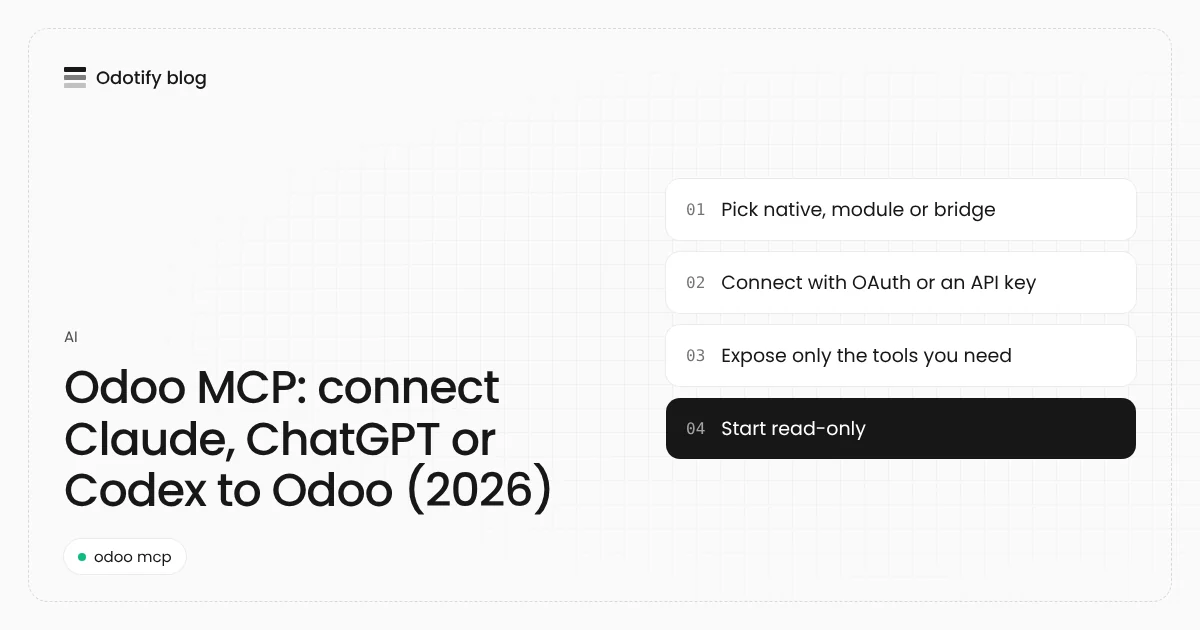
- Use a dedicated Odoo user with only the access rights the assistant needs, never an administrator.
- Start read-only. Keep Create and Update tools hidden until you trust the workflow.
- Prefer OAuth with an expiry over long-lived API keys, and set short expiries on keys.
- Do not enable DCR unless your client needs it; approve specific clients instead.
- Keep HTTPS on. The
/mcpendpoint carries the same session rights as the web interface. See our Odoo security checklist. - Review what you expose. A tool that writes custom CSS or applies HTML to website pages changes your public site.
MCP for the server, not just the data
The MCP servers above work on business records. A different question is "why is Odoo slow today?" or "did last night's backup finish?". That needs access to the server and PostgreSQL, not to invoices.
Odotify has its own MCP server for that, listed in the official MCP Registry as com.odotify/mcp. An assistant connected to it can list servers and instances, read backups, deploys and the audit log, see slow queries, query plans and index health, restart an instance or start a backup. It never sees business rows: query text is redacted to ? on your server. It cannot delete anything, and every database change it proposes (an index, a PostgreSQL setting) waits for a person to approve it in the dashboard. AI assistant access is included from the Starter plan; see pricing. It runs alongside Odoo's own MCP server, not instead of it.
FAQ
Is Odoo MCP free?
The protocol is free and open. Odoo's built-in MCP server is part of the Enterprise AI app, so it comes with an Enterprise subscription. Community users can use free open-source bridges or modules, or paid modules from the Odoo Apps store.
Does Odoo 19 have an MCP server?
Not in Odoo 19.0. Odoo's MCP server documentation first appears for the Odoo Online version 19.4 and for Odoo 20.0. On 19.0, use an App Store module or a bridge.
Can ChatGPT connect to Odoo?
Yes. Add a custom MCP server in ChatGPT's settings with your database URL followed by /mcp and choose OAuth. Odoo documents this alongside Claude, Codex, Grok and Antigravity.
Can the AI assistant change data in Odoo?
Only through tools you expose. With the built-in server, Create Records and Update Records are hidden by default, and the assistant is always limited by the signed-in user's access rights.
Which AI clients work with Odoo MCP?
Any client that speaks MCP. Odoo's documentation gives setup steps for Claude (Desktop and Code), ChatGPT, Codex, Grok and Google Antigravity.
Sources
- Odoo documentation, AI MCP server (20.0): https://raw.githubusercontent.com/odoo/documentation/20.0/content/applications/productivity/ai/mcp_server.rst
- Odoo documentation, MCP tools (20.0): https://raw.githubusercontent.com/odoo/documentation/20.0/content/applications/productivity/ai/mcp_server/mcp_tools.rst
- Odoo documentation, AI app (20.0): https://raw.githubusercontent.com/odoo/documentation/20.0/content/applications/productivity/ai.rst
- mcp-server-odoo on GitHub: https://github.com/ivnvxd/mcp-server-odoo
- Odotify MCP setup guide: https://github.com/noordevtech/odotify-mcp

Odotify team
Odotify hosts Odoo on servers its customers own. This article was researched against live search results and the Odotify codebase.