Odoo multi company: setup, shared data and licence rules
Odotify team · Published · 7 min read
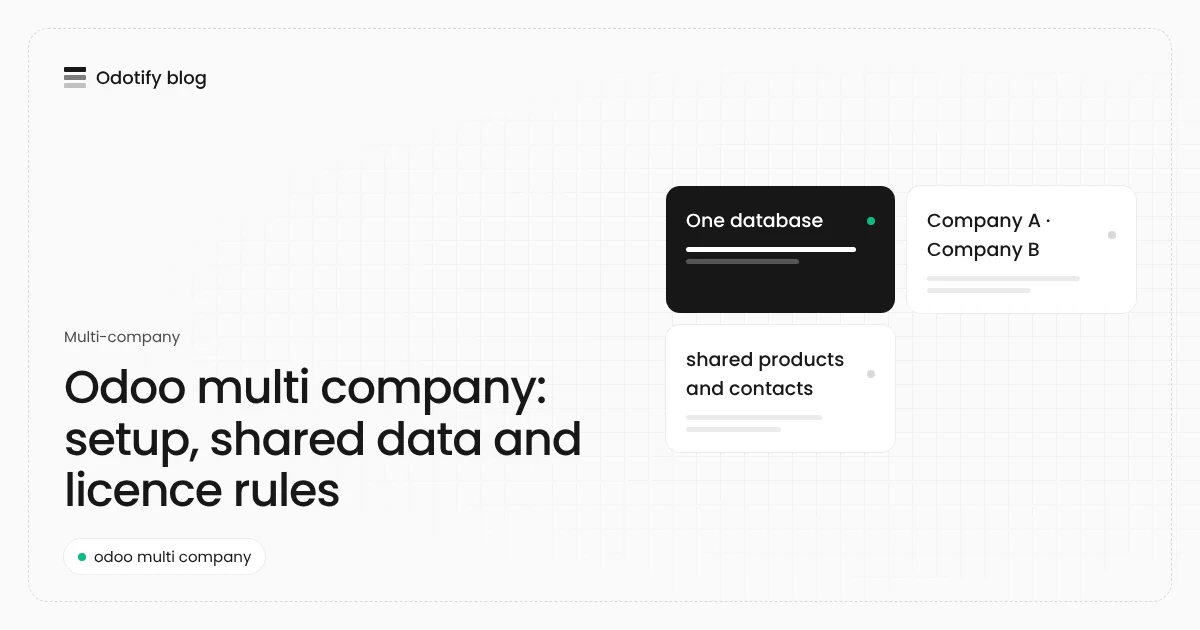
Groups with more than one legal entity, a holding with subsidiaries in two countries or a business with a separate trading arm, usually want one Odoo for all of them. Odoo calls this multi-company: several companies in one database, with some data shared and some kept apart. This guide explains how it works in Odoo 17 to 20, how to set it up, what Community can and cannot do, how it changes your Odoo plan, and when separate databases are the better choice. It is based on Odoo's 20.0 documentation, Odoo's pricing page and the Odoo 20.0 source code, all checked on 23 November 2026.
What is multi-company in Odoo?
Multi-company means several companies configured in one Odoo database. Odoo's documentation describes it as a way to share "some data" among companies "while maintaining some separation between entities". A user with access to several companies can select them together in the company switcher, work in one active company and see aggregated reports without changing screens.
Each company has its own:
- legal details: name, address, tax ID, company registry, currency and logo;
- fiscal localization, chart of accounts, taxes and journals;
- warehouses (Odoo does not create them automatically for companies added after the initial setup);
- quotations, invoices and vendor bills, visible only when you are logged in to that company.
What is shared between companies?
Products and contacts are shared by default; documents belong to one company. Odoo decides by the Company field on each record:
| Record | Default in a multi-company database | How to change it |
|---|---|---|
| Products | Shared with all companies | Set the Company field to restrict it |
| Contacts | Shared with all companies | Set the Company field to restrict it |
| Quotations, sales orders, invoices, bills | Belong to the company that created them | Not shared |
| Journal entries, bank accounts | Belong to one company | Not shared |
| Product sales price and reference | Same for all companies | Shared field |
| Product cost | Different per company | Company-specific field |
That last split matters for costing: the same product can have a different cost in each company while its sales price and internal reference stay the same.
Steps to set up multi-company in Odoo
- Decide the structure first. Odoo warns that a company created as a parent cannot be turned into a branch later. Independent subsidiaries are companies; regional offices of one legal entity are branches.
- Go to Settings > Users & Companies > Companies and click New.
- Fill in the company's name, address, tax ID, country and currency, and upload its logo. Set country and currency before posting any transaction, because they drive the fiscal localization.
- Install or check the fiscal localization and chart of accounts for that company's country.
- Create its warehouse in Inventory if it holds stock.
- Open each user under Settings > Users & Companies > Users and tick the companies they may access, plus their default company.
- Decide which products and contacts stay shared and set the Company field on the ones that should not be.
- In Enterprise, enable Inter-Company Transactions per company if the companies trade with each other (next section).
- Test with a user who has access to only one company, to confirm they see only that company's documents.
How do inter-company transactions work?
Inter-company rules create the mirror document in the other company automatically. After you select a company, open Settings and enable Inter-Company Transactions in the Companies section, you choose what Odoo generates:
- Create Vendor Bills: when another company posts an invoice to this company, a bill appears in the chosen purchase journal.
- Create Sales Orders: when another company confirms a purchase order with this company.
- Create Purchase Orders: when another company confirms a sales order with this company.
The Create as field decides whether those documents are drafts or validated. Odoo's documentation adds a warning: fiscal positions and localizations must be set up correctly for inter-company flows to post the right taxes. Stock can also move between companies without orders, by resupplying one company's warehouse from another or delivering a sales order from another company's warehouse.
Odoo 20 adds inter-company clearing: when one company receives a payment for an invoice issued by another, Odoo reconciles the customer's invoice in the issuing company and books balancing receivable and payable entries between the two. It needs the account_payment_interco module and clearing accounts set in each company.
Does Odoo Community support multi-company?
Yes for companies, no for inter-company rules. The multi-company framework, the company switcher, company-specific records and the access rules are part of Odoo's open source core. In the Odoo 20.0 Community source, the Inter-Company Transactions setting is an upgrade toggle for the account_inter_company_rules module, which is not in the Community repository: it comes with Enterprise. The new account_payment_interco module for inter-company clearing is in Community under LGPL-3, but its settings only appear once inter-company transactions are enabled.
So in Community you can keep several companies in one database and report across them, but documents between your companies are entered twice, by hand. The full list of edition differences is in Odoo Community vs Enterprise.
How does multi-company affect Odoo's price?
On Odoo's Standard plan, adding a company moves you to the Custom plan. Odoo's documentation says enabling multi-company on a Standard database "automatically triggers an upsell to the Custom plan". On a monthly contract the subscription switches at the next bill; on yearly or multi-year contracts Odoo creates an upsell order with a 30-day limit. The pricing page describes Custom as the plan for companies that want "to manage several companies in a single database" or customise Odoo with Studio, agentic AI, custom code or the external API.
The One-App Free plan is the exception: Odoo's pricing FAQ confirms the free plan can manage several companies. On a self-hosted Enterprise database you need the Custom plan for multi-company too, since Standard is only offered on Odoo Online. Community has no licence fee at all. For a full cost picture, use our Odoo pricing guide.
Multi-company or branches?
Use branches for parts of one legal entity, companies for separate entities. Odoo's documentation describes branches as "subdivisions within a company, such as regional offices or departments, that operate under a common parent company". A branch can have its own address and logo, records can be branch-specific or shared, and reports can show one branch or the consolidated parent. Odoo states that "independent subsidiaries should be created as additional companies, not branches".
The documentation also gives a counter-example: a small furniture company launching a separate product line does not need a second company. Analytic accounting and an extra warehouse handle it with less complexity.
One database or several?
Choose one database when companies share people, products or trade; separate databases when they share nothing.
| Situation | Better fit |
|---|---|
| Same owners, shared products, sales between the companies | One database, multi-company |
| Consolidated reporting across entities | One database, multi-company |
| Different industries, no shared data, different staff | Separate databases |
| You must upgrade or customise one business without touching the other | Separate databases |
| You are an agency hosting clients | Separate databases, one per client |
Separate databases also mean separate upgrades, backups and modules, so one company's custom code never blocks another's Odoo upgrade. If you run several databases on one server, set dbfilter so each domain opens the right one; our Odoo Nginx guide shows how.
Hosting many companies or databases with Odotify
Odotify is our product: it installs and runs Odoo 17 to 20, Community or Enterprise, on your own servers at Hetzner, DigitalOcean, AWS, Google Cloud, Azure, Vultr or Akamai. A multi-company database is one Odotify instance; separate databases are separate instances, each with its own domain, backups and staging copy. The Free plan has 1 instance, Starter ($19 a month) 3, and Pro ($39) and Agency ($199) are unlimited. See pricing.
FAQ
Can I use one Odoo database for multiple companies?
Yes. Create each company under Settings > Users & Companies > Companies, then give users access to the companies they work for. Each company keeps its own currency, taxes, journals and documents.
Is multi-company free in Odoo?
In Community there is no licence fee, and on the One-App Free plan multi-company is allowed. On Odoo's Standard plan, adding a company upgrades the subscription to the Custom plan.
Can accounts belong to multiple companies in Odoo?
Journal entries and bank accounts belong to one company. Products and contacts are shared unless you restrict them. Inter-company clearing in Odoo 20 books matching receivable and payable entries between companies when one collects a payment for the other.
What is the difference between a company and a branch in Odoo?
A company is a separate legal entity with its own books. A branch is a subdivision of a parent company, such as a regional office, that can have its own address and logo and branch-level reporting. Independent subsidiaries should be companies.
Are inter-company transactions available in Odoo Community?
No. The setting exists in Community but installs account_inter_company_rules, which is part of Enterprise. In Community, documents between your companies are created by hand.
Sources
- Odoo 20.0 documentation, Multi-company (shared records, inter-company transactions and clearing, plan upsell): https://raw.githubusercontent.com/odoo/documentation/20.0/content/applications/general/companies/multi_company.rst
- Odoo 20.0 documentation, Companies and branches: https://raw.githubusercontent.com/odoo/documentation/20.0/content/applications/general/companies.rst
- Odoo 20.0 Community source, Inter-Company Transactions setting: https://github.com/odoo/odoo/blob/20.0/addons/base_setup/views/res_config_settings_views.xml
- Odoo 20.0 Community source,
account_payment_intercomanifest: https://github.com/odoo/odoo/blob/20.0/addons/account_payment_interco/__manifest__.py - Odoo pricing and FAQ (Custom plan, One-App Free plan and multi-company): https://www.odoo.com/pricing

Odotify team
Odotify hosts Odoo on servers its customers own. This article was researched against live search results and the Odotify codebase.