Odoo implementation: phases, timeline, cost and hosting (2026)
Odotify team · Published · 7 min read
Buying Odoo takes an afternoon. Implementing it, so that sales, stock, invoicing and accounting actually run on it, takes weeks or months. This guide is for owners, finance leads and IT managers about to start that project, with or without a partner. It uses Odoo's own published Implementation Methodology, its Success Pack price list and pricing FAQ (both read on 27 November 2026), and what we see when companies move their Odoo onto their own servers.
What is an Odoo implementation?
An Odoo implementation is the project that maps your business processes onto Odoo's apps, configures them, imports your data, trains your people and puts the database into production. Software is the small part. Most of the work is deciding how you will work in Odoo, and most of the risk is in custom development and old data.
A typical project covers:
- Scope: which apps go live first (often Sales, Invoicing, Inventory, Accounting) and which wait.
- Configuration: companies, taxes, warehouses, routes, price lists, access rights, email.
- Data: customers, suppliers, products, opening balances and stock levels.
- Customization: Studio changes or Python modules, only where the standard falls short.
- Training and go-live: key users first, then everyone, then a period of close support.
- Hosting: where the database runs, which decides what you may customize later.
What are the phases of an Odoo implementation?
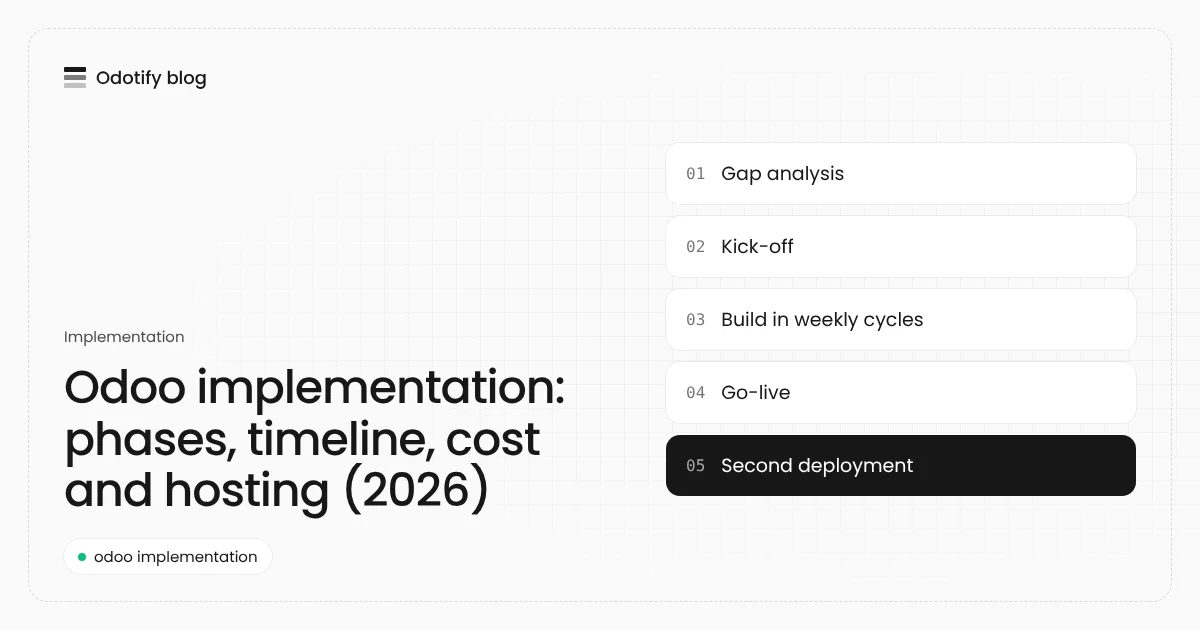
Odoo's methodology has five phases, and it publishes how the time is split between them:
| Phase | Share of time | What happens |
|---|---|---|
| Gap analysis | 10% | Business analysis, gaps against standard Odoo, phasing and budget |
| Kick-off | 5% | Align stakeholders on the method, train the customer's project lead |
| Implementation | 80% | Short cycles: analysis, configuration or development, validation, key-user training |
| Go-live | 5% (10 to 15% on large projects) | End-user training and bug fixes |
| Second deployment | Variable | Wider scope or custom features left out of phase one |
Odoo says the gap analysis can take "from a few hours to 30 days", and that on very small projects (under four months) it is not a separate phase but part of the kick-off. During implementation the team delivers working features every week and shows them in a weekly demo, so problems surface early.
The customer side has one key role: the single point of contact (SPoC), a "super key-user" who knows the business end to end, decides quickly and tests every flow. Odoo's methodology gives an example where the CEO was the SPoC and the project stalled because he was rarely available. Pick someone who has the time.
How long does an Odoo implementation take?
It depends on scope, but the split above holds: about four fifths of the calendar is the build phase. Odoo's project estimator shows a sample project with several apps and states that 80% of projects within that scope go into production in 200 hours or less. Hours of consultancy are not calendar time: your team's availability, data cleaning and decision speed set the real pace.
What shortens it:
- Phasing. Go live with the core flows first, and move "nice to have" features to the second deployment. The methodology tells consultants to sell optional features after go-live rather than before it.
- Standard first. Every custom module adds cost, delays and technical debt you pay again at each upgrade.
- No history import. Odoo's advice is to import master data and open balances, not years of past quotations and orders.
How much does an Odoo implementation cost?
Two costs add up: the Odoo licence (for Enterprise) and the implementation service. For the licence, see our Odoo pricing guide and calculator. For the service, Odoo publishes the price of its Success Packs, blocks of consultant hours:
| Pack | Hours | Price (returning customers) | First pack (15% off) | Recommended for |
|---|---|---|---|---|
| Starter | 4 | US$580 | US$493 | Simple apps, 1 to 5 users |
| Basic | 25 | US$3,600 | US$3,060 | Simple apps |
| Standard | 50 | US$7,000 | US$5,950 | Advanced apps, data import |
| Custom | 100 | US$12,500 | US$10,625 | Advanced apps, data import, customizations |
| Pro | 200 | US$25,000 | US$21,250 | Same, with a dedicated consultant |
Prices as listed on odoo.com/pricing-packs on 27 November 2026, shown in US dollars from our location. Travel time and expenses for on-site work are billed on top, and custom modules or extra lines of code carry an extra monthly maintenance charge. For performance problems Odoo requires a pack of at least 50 hours.
Partners set their own rates, so compare the number of hours and what is included rather than the headline price.
Should you implement Odoo with Odoo, a partner, or on your own?
Odoo's pricing FAQ gives a rule of thumb by company size:
| Company size | Usual route (per Odoo) |
|---|---|
| Under 50 employees | Directly with Odoo, using Success Packs |
| Over 50 employees | An Odoo partner offering local project management |
| Over 250 employees | Contact Odoo directly |
Doing it yourself works when someone in-house knows both the business and ERP concepts, and has real time for it. It works best with Odoo Community or a simple Enterprise setup and few integrations. Whatever the route, the customer's SPoC does a large part of the work: testing, data preparation and training colleagues.
How do you prepare data for an Odoo implementation?
Import clean master data and opening balances, not your full history. Odoo's methodology is blunt: importing years of history "costs a lot of time/money, for very low value added", and it should be refused or delayed until after go-live unless there is a strong reason. Ask how often anyone will open that history, and whether an export or the old system can keep it.
In practice:
- Export customers, suppliers, products, price lists, chart of accounts and stock levels from the old system.
- Clean duplicates and inactive records before import, but do not delay go-live for perfect data; some cleaning is easier in Odoo afterwards.
- Import into a test database first using Odoo's import templates, check, and repeat.
- On go-live day, import open invoices, open orders, opening balances and stock counts.
If you are moving from an older Odoo version rather than another system, that is an upgrade, not an import; see Odoo migration.
Steps to run an Odoo implementation
- Write down how each department works today and what must change, then list the gaps against standard Odoo.
- Decide phase one: the apps and flows needed to run the business, nothing more.
- Choose Community or Enterprise and where Odoo will be hosted (see below).
- Name a SPoC and key users, and block time in their calendars.
- Configure in weekly cycles, with a demo and sign-off each week.
- Load test data, then run every business flow end to end on a copy of the database.
- Train key users, who then train everyone else.
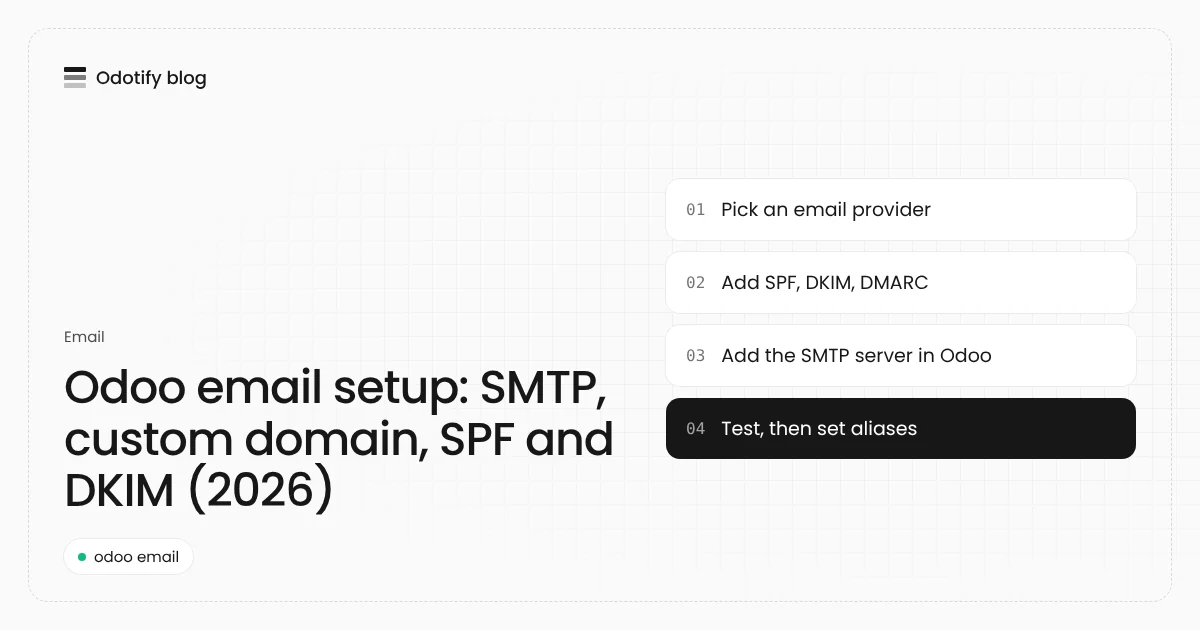
- Go live on a fixed date, import open items and balances, and keep daily check-ins for the first weeks.
- Plan the second deployment once the team is comfortable.
Where should Odoo be hosted during implementation?
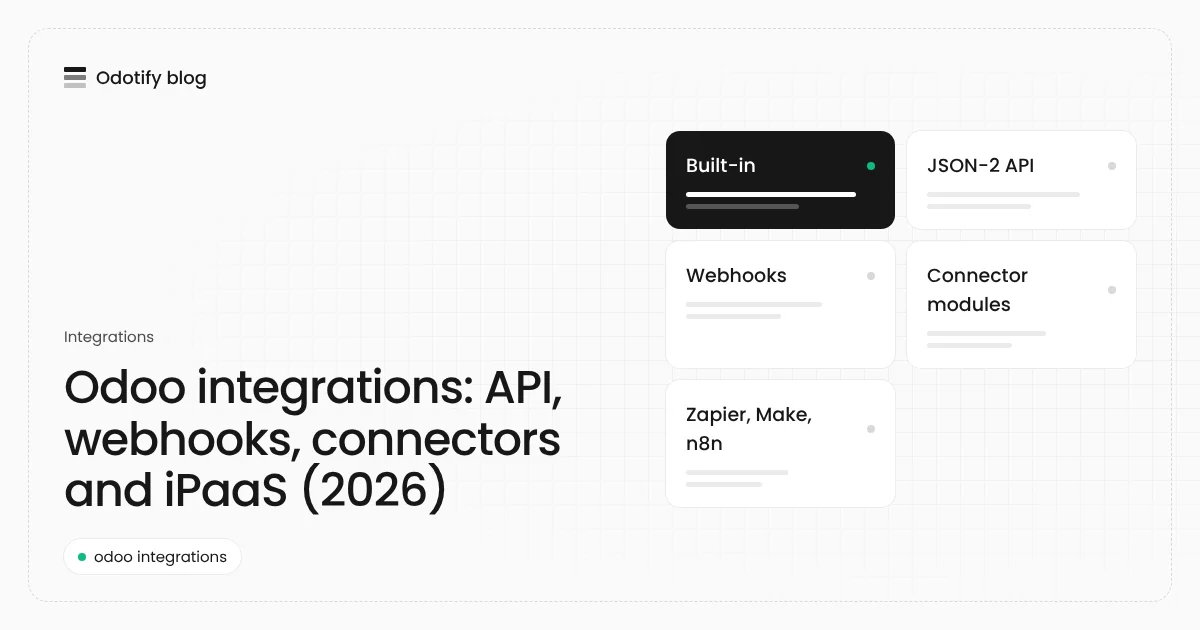
Choose hosting before you configure, because it limits what you can build. Odoo Online runs Enterprise only and does not accept custom modules; Odoo.sh accepts modules and gives staging branches; your own server accepts anything, in Community or Enterprise. Comparisons: Odoo.sh alternative, Community vs Enterprise and Odoo on premise.
Two things matter most during the project:
- A staging copy of production. Testing imports, modules and upgrades on a copy, not on live data, is the single best way to avoid go-live surprises. See Odoo staging environment.
- Backups you have restored at least once. Before every data import, take one.
Where Odotify fits
Odotify is not an implementation partner; it is the hosting layer under one. It installs Odoo 17, 18, 19 or 20, Community or Enterprise, on servers you own at Hetzner, DigitalOcean, AWS, Google Cloud, Azure, Vultr, Akamai or any Linux host. During a project that means staging copies of production (Starter plan and up), scheduled backups with one-click restore, a way to upload your own modules, and a push from staging to production for code and modules, never data. Partners can run all their clients from one account, under their own brand, on the Agency plan. Plans are on the pricing page.
FAQ
What does an Odoo implementation include?
Gap analysis, configuration of the apps, data import, any customization, testing, user training, go-live and support afterwards. Hosting and licences are separate costs.
How long does it take to implement Odoo?
From a few weeks for one or two standard apps to many months for a multi-company rollout. In Odoo's methodology, about 80% of the time is the build phase and go-live takes 5%, or 10 to 15% on large projects.
How much does Odoo implementation cost?
Odoo's Success Packs cost US$580 for 4 hours up to US$25,000 for 200 hours, with 15% off a first pack, as listed on 27 November 2026. Partners set their own prices.
Can I implement Odoo myself?
Yes, if someone in-house knows the business and has time, and the scope is mostly standard. Odoo suggests Success Packs for companies under 50 employees and a partner above that.
Should I import all my old data into Odoo?
Usually not. Odoo's own methodology recommends importing master data and opening balances only, and keeping history in the old system or an export.
What is a SPoC in an Odoo project?
The customer's single point of contact: a key user who knows the whole business, makes decisions, tests every flow and trains colleagues.
Sources
- Odoo, Implementation Methodology (PDF, read 27 November 2026): https://www.odoo.com/web/content/17936384
- Odoo, Success Packs and project estimator (read 27 November 2026): https://www.odoo.com/pricing-packs
- Odoo pricing page, FAQ "Where can I get implementation services?" (read 27 November 2026): https://www.odoo.com/pricing

Odotify team
Odotify hosts Odoo on servers its customers own. This article was researched against live search results and the Odotify codebase.