Odoo on-premise in 2026: costs, licence and when it pays off
Odotify team · Published · 6 min read
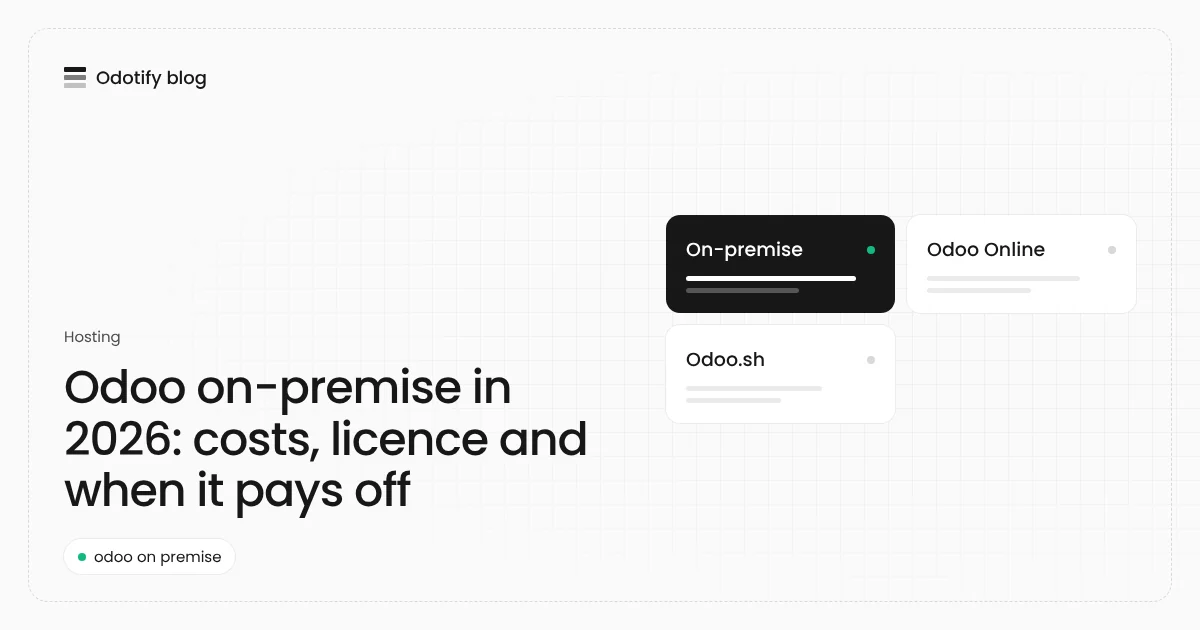
"Odoo on-premise" is the option Odoo describes as giving you "full control, full autonomy and full responsibility". This article explains what that means in practice in 2026: which licence you need, what it costs to run, how it compares with Odoo Online and Odoo.sh, and how to set it up so it stays reliable.
What does Odoo on-premise mean?
On-premise is one of Odoo's three hosting types, next to Odoo Online (SaaS) and Odoo.sh (PaaS). You install Odoo on infrastructure you control and run it yourself. Odoo's hosting page puts it plainly: "You are responsible for everything related to the running of the software", and you "must purchase the network infrastructure, power, servers, operating system, etc."
"Premise" does not have to mean a machine in your office. In practice most on-premise Odoo runs on a cloud server you rent (Hetzner, AWS, DigitalOcean, Google Cloud, Azure and others) or a dedicated server in a data centre. What makes it on-premise is that the server, the database and the decisions are yours, not Odoo S.A.'s.
Can Odoo be self-hosted?
Yes. Odoo's hosting page states that on-premise "both the Odoo Enterprise and Odoo Community editions are available", with customisation and third-party apps allowed.
| Odoo Community on-premise | Odoo Enterprise on-premise | |
|---|---|---|
| Licence | Open source (LGPL v3), no fee | Odoo Enterprise subscription, per user, on the Custom plan |
| Apps | Community apps plus community (OCA) modules | All Enterprise apps, such as full accounting, Studio, payroll and helpdesk |
| Code | Downloaded freely | The Enterprise addons that come with your subscription |
| Activation | None | Enter your subscription code in the banner on the apps dashboard to register the database |
| Upgrades | OpenUpgrade or a partner | Odoo's upgrade service, included in the subscription |
If you are not sure which edition you need, our Community vs Enterprise comparison lists the Enterprise-only apps.
On-premise vs Odoo Online vs Odoo.sh
| On-premise | Odoo Online | Odoo.sh | |
|---|---|---|---|
| Who runs the servers | You (or a provider you choose) | Odoo S.A. | Odoo S.A. |
| Editions | Community and Enterprise | Enterprise only | Enterprise only |
| Custom modules | Yes | No: Odoo standard, Odoo apps only | Yes, through GitHub |
| Root access | Yes | No | No |
| Where data lives | Any country or provider you pick | Odoo's data centres (OVH, Google Cloud and others) | Odoo's cloud |
| Hosting cost | Your server bill | Included in the subscription | Per worker, GB and staging branch |
| Backups | Your job | Done by Odoo | Done by Odoo |
Odoo Online is the simplest when the standard apps are enough. Odoo.sh adds custom code on Odoo's platform; see our Odoo.sh pricing breakdown for what it costs per worker. On-premise is the only option that runs Community, gives you root access and lets you choose the exact country and provider.
How much does Odoo on-premise cost?
There are three lines on the bill:
- Licence: zero for Community. For Enterprise, a per-user subscription on the Custom plan, priced by Odoo per country and billing period. Use Odoo's pricing configurator for your figure, or our Odoo pricing guide with its calculator.
- Server: a cloud server with 2 vCPU and 4 GB of memory runs a small company comfortably; 4 to 8 GB covers most small and mid-size teams. At Hetzner, shared cloud servers start at €5.49 a month excluding VAT (as listed on 18 November 2026), and a server sized for Odoo costs more than the entry tier but usually stays in the tens of euros a month.
- Running it: installing, HTTPS, backups, monitoring, security patches and yearly version upgrades. This is the cost people underestimate. Someone has to do it every week, and someone has to know how to restore a backup at 2 a.m.
Unlike Odoo.sh, the server bill does not grow per user or per staging branch. That is why on-premise usually wins on hosting cost once a company has more than a handful of users or needs a test copy.
What are the disadvantages of Odoo on-premise?
- Everything is your responsibility: Odoo's hosting page says you need "fairly advanced technical knowledge" for this option.
- Backups are on you: Odoo Online keeps 14 backups per database over 3 months in at least 3 data centres. On your own server, nothing is backed up until you set it up and copy it off the machine. Our guide to Odoo backup and restore covers how.
- Upgrades take planning: each major version needs a database migration, not just new code. See the Odoo upgrade guide.
- Security is yours: the database manager, the master password, TLS and the firewall all need setting up correctly.
Odoo on-premise server requirements
| Item | Recommendation |
|---|---|
| Operating system | Ubuntu 24.04 or Debian 13 for Odoo 20 (Ubuntu 22.04 and Debian 12 for older versions) |
| Database | PostgreSQL; Odoo 20 needs PostgreSQL 16 or newer |
| CPU and memory | 2 vCPU and 4 GB to start; more CPU for more simultaneous users, more memory for large databases and many workers |
| Disk | Room for the database, the filestore (attachments) and local backups |
| Network | A domain name and HTTPS through a reverse proxy |
Full installation commands, with the official packages or Docker, are in our self-hosted Odoo guide and Odoo Docker guide.
Steps to run Odoo on-premise properly
- Pick the edition: Community, or Enterprise with a Custom plan subscription.
- Choose the server and the country: a cloud server in the region where your data should live, or hardware you own.
- Install Odoo and PostgreSQL: from Odoo's packages or the official Docker image, on a supported OS.
- Put HTTPS in front: a reverse proxy such as nginx or Caddy, with workers and the websocket configured.
- Lock the database manager: set
list_db = Falseand a strong master password. - Register Enterprise: enter the subscription code in the banner on the apps dashboard.
- Automate backups off the server: database and filestore, every day, and test a restore.
- Plan updates and upgrades: monthly bug-fix updates, a major-version upgrade on a copy first.
On-premise without the server work
Odotify gives you the on-premise model without doing the operations yourself. You connect any Linux server you reach over SSH, or let Odotify create one at Hetzner, DigitalOcean, AWS, Google Cloud, Azure, Vultr or Akamai, and it installs Odoo 17, 18, 19 or 20, Community or Enterprise, in its own container. HTTPS, a firewall, backups to storage you choose, monthly restore drills and monitoring come set up. You keep root access, your provider bills the server at cost, and Odotify charges a flat fee: Free, Starter US$19, Pro US$39 or Agency US$199 a month. See the pricing page.
FAQ
Is Odoo on-premise free?
Odoo Community on-premise has no licence fee for any number of users; you pay only for the server and the work to run it. Odoo Enterprise on-premise needs a per-user subscription on Odoo's Custom plan.
Can I run Odoo Enterprise on my own server?
Yes. With an Enterprise subscription on the Custom plan you install the Enterprise addons on your own server and register the database by entering your subscription code in the banner on the apps dashboard.
Is on-premise cheaper than Odoo Online?
On hosting, usually yes for larger teams, since a server costs the same whatever the number of users. Odoo Online includes hosting in the subscription but allows no custom modules. Count the time spent on backups, security and upgrades before deciding.
Can I move from Odoo Online to on-premise?
Yes. Download a backup of your Odoo Online database with its filestore and restore it on your server with the same Odoo version. Odoo Online runs Enterprise, so you need an Enterprise subscription on the Custom plan to keep using Enterprise apps.
What server do I need for Odoo on-premise?
A Linux server with 2 vCPU and 4 GB of memory is enough to start for a small company, on Ubuntu 24.04 or Debian 13 for Odoo 20, with PostgreSQL 16 or newer.
Sources
- Odoo, hosting types: https://www.odoo.com/page/hosting-types
- Odoo, security (backups and data centres): https://www.odoo.com/security
- Hetzner Cloud prices: https://www.hetzner.com/cloud

Odotify team
Odotify hosts Odoo on servers its customers own. This article was researched against live search results and the Odotify codebase.